Game Project – Textures & Lightning

20151005-20151011: Textures and lightning

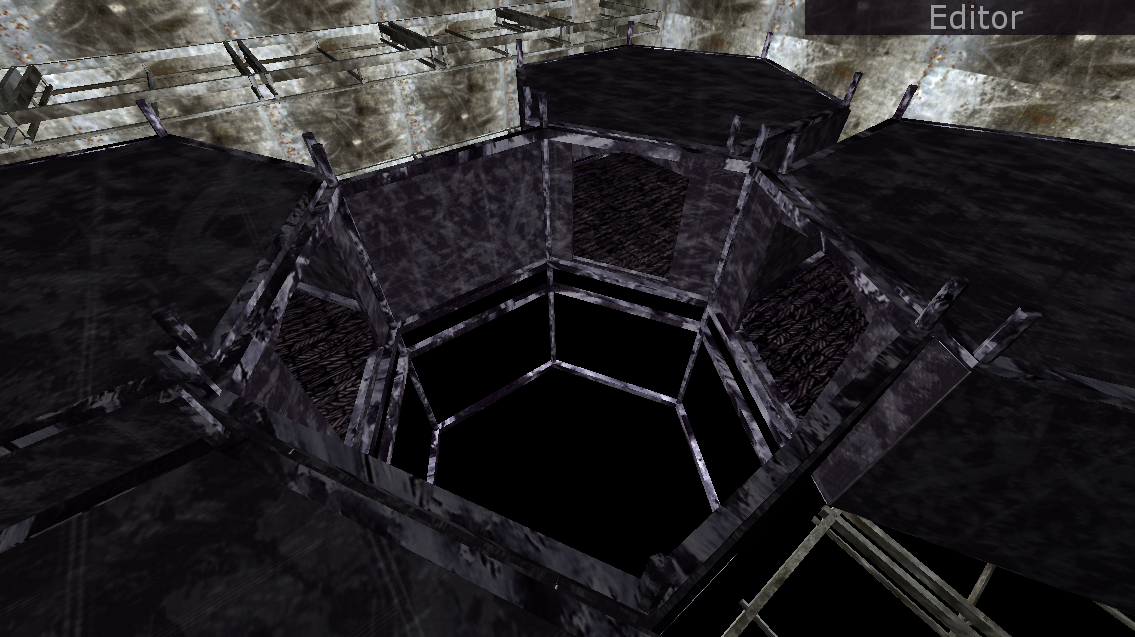
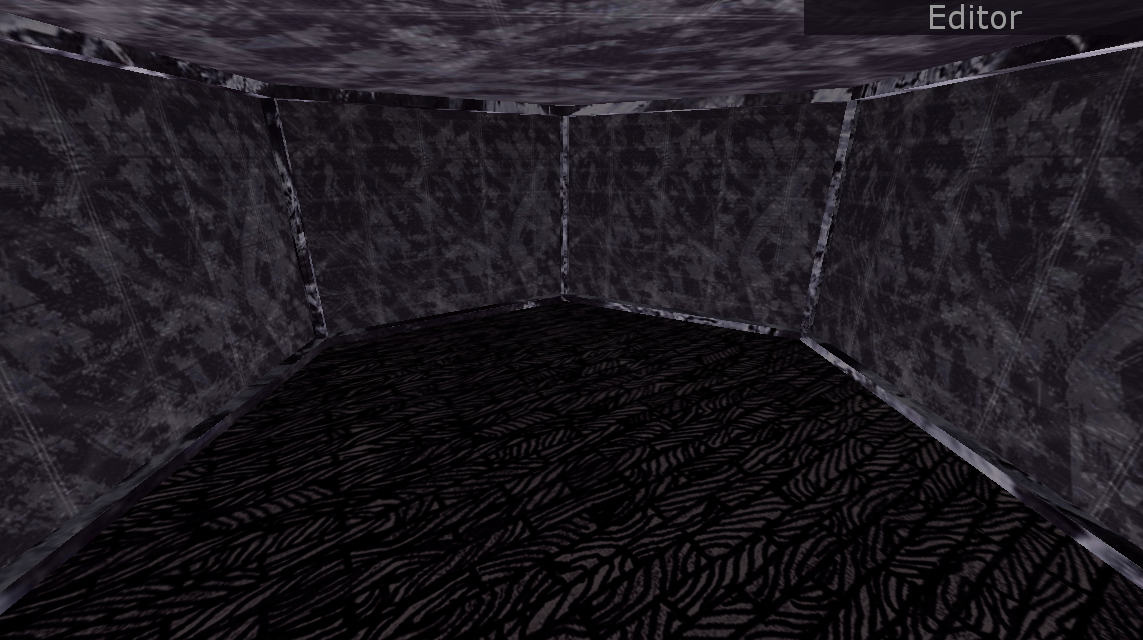
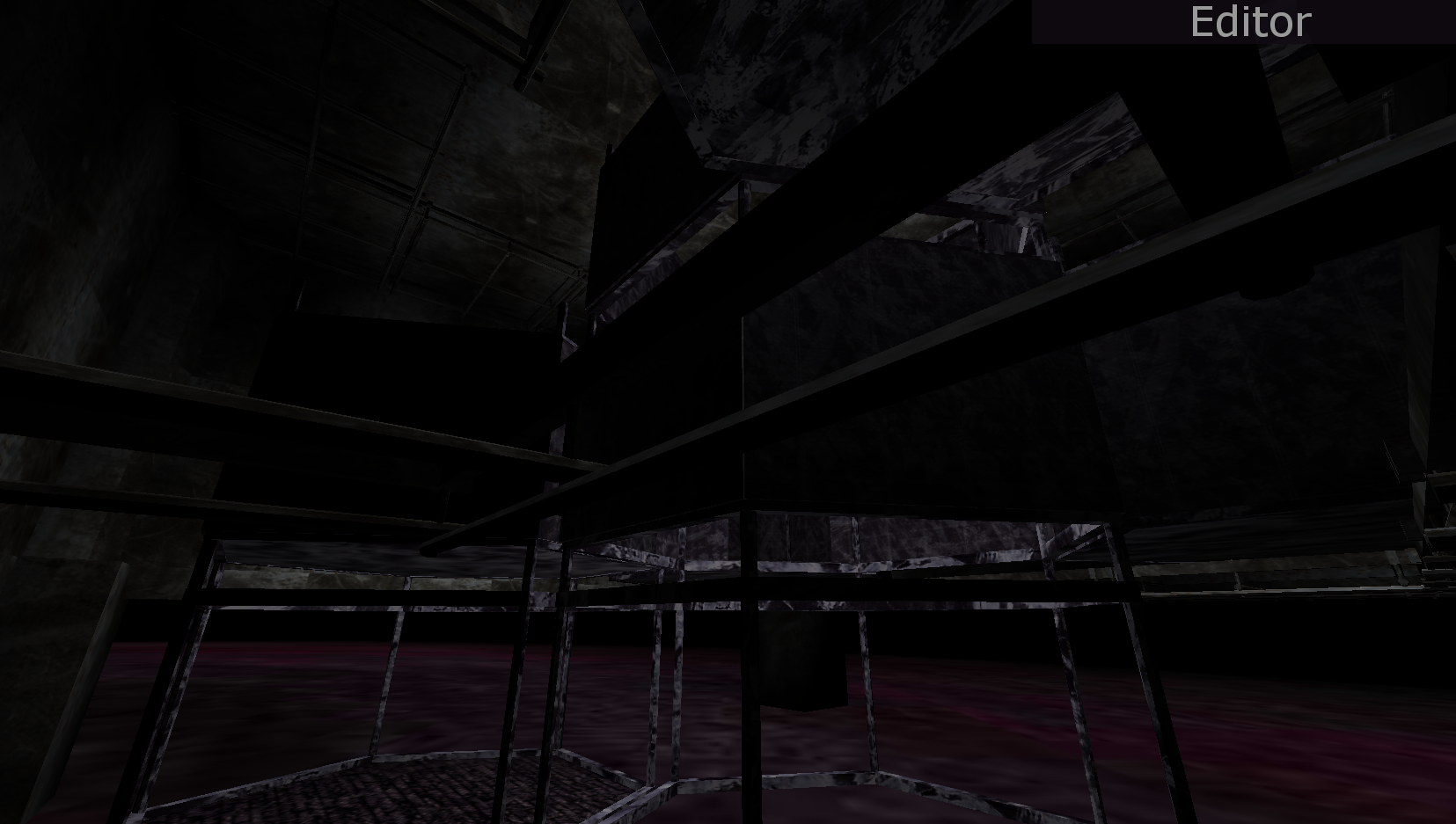
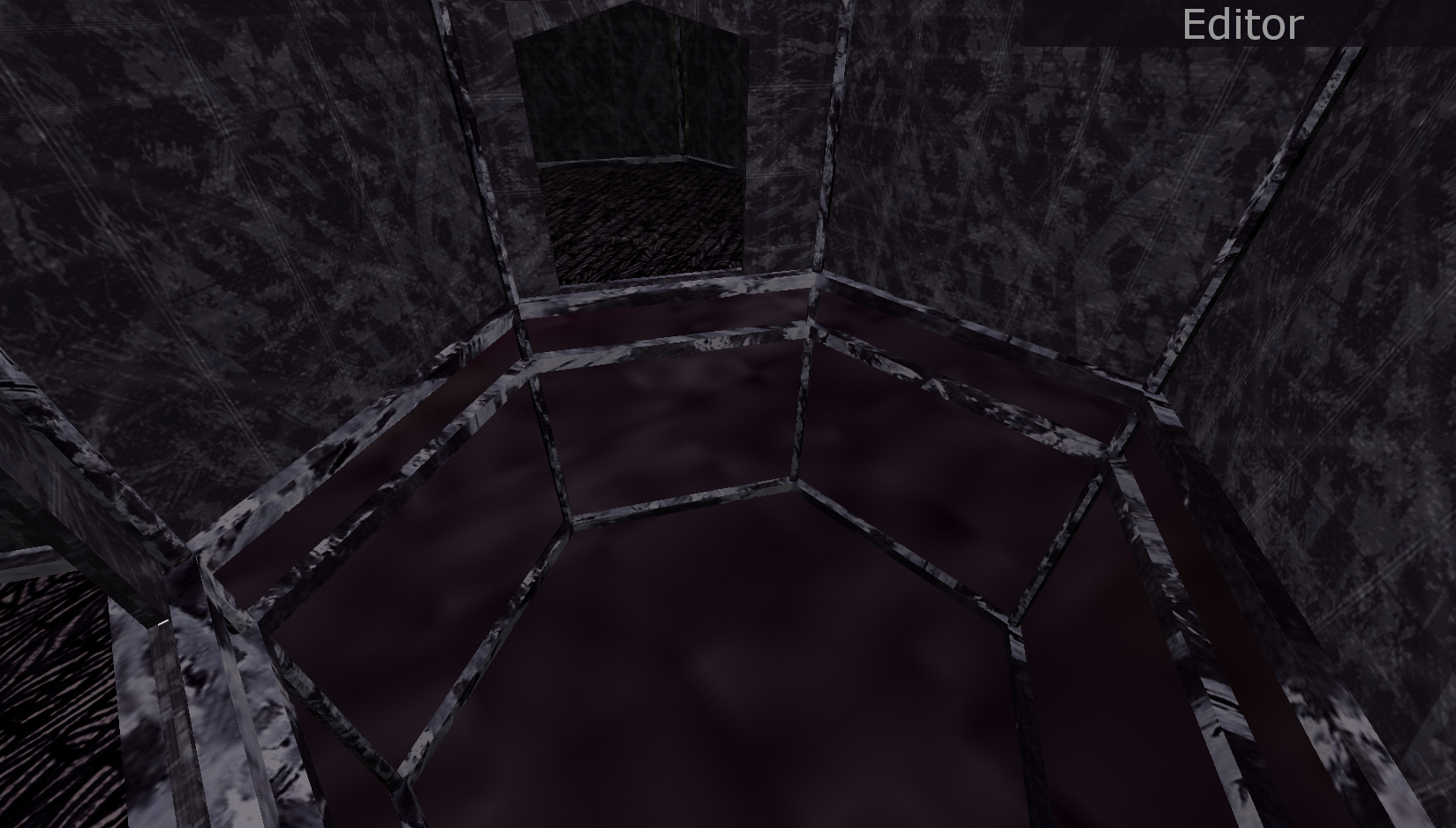
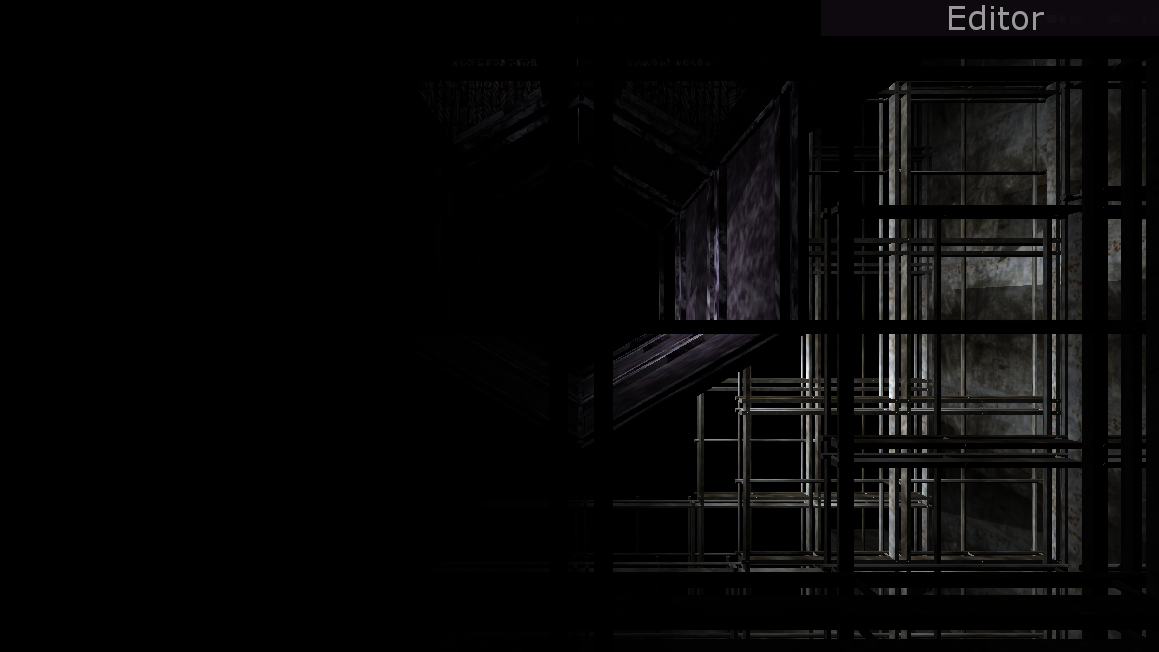
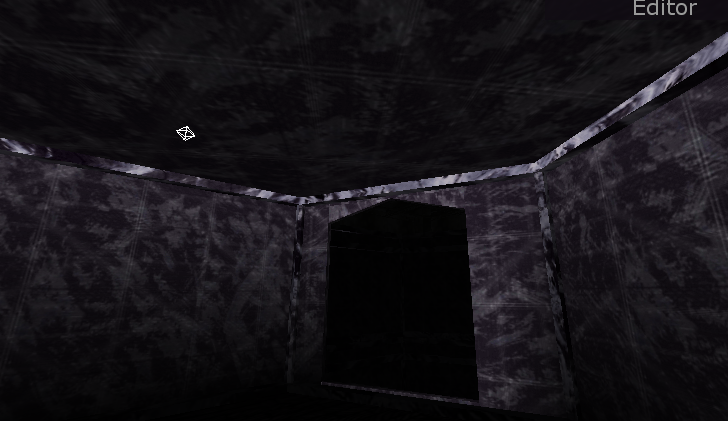
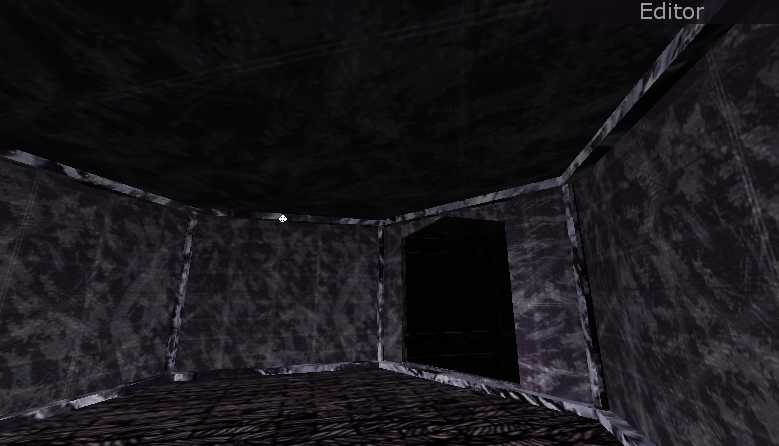
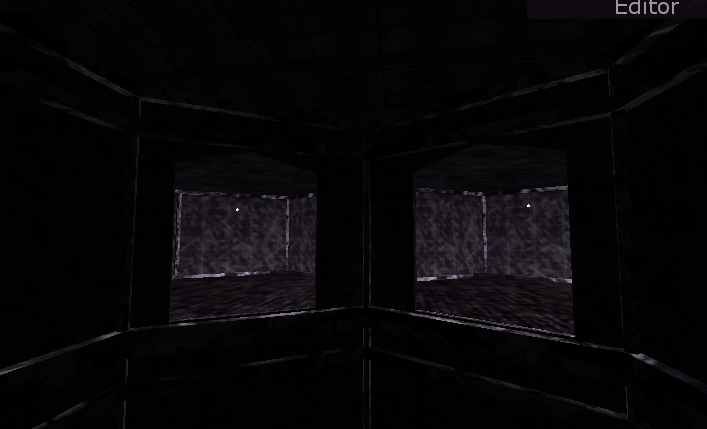
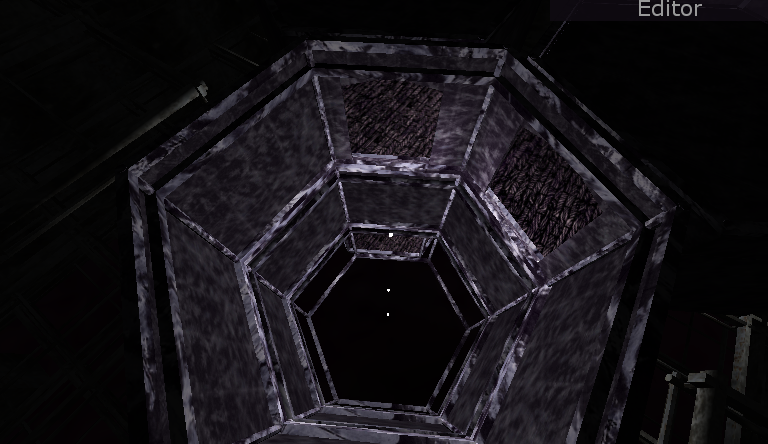
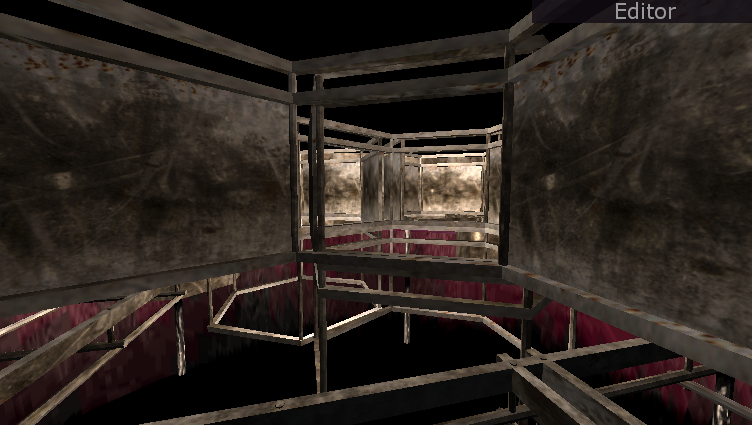
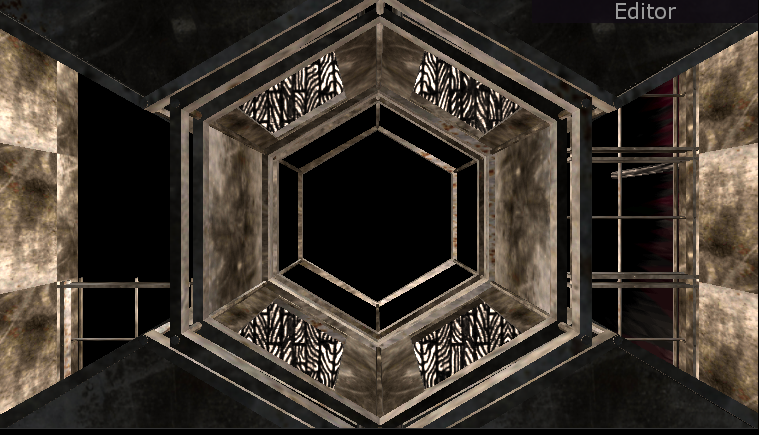
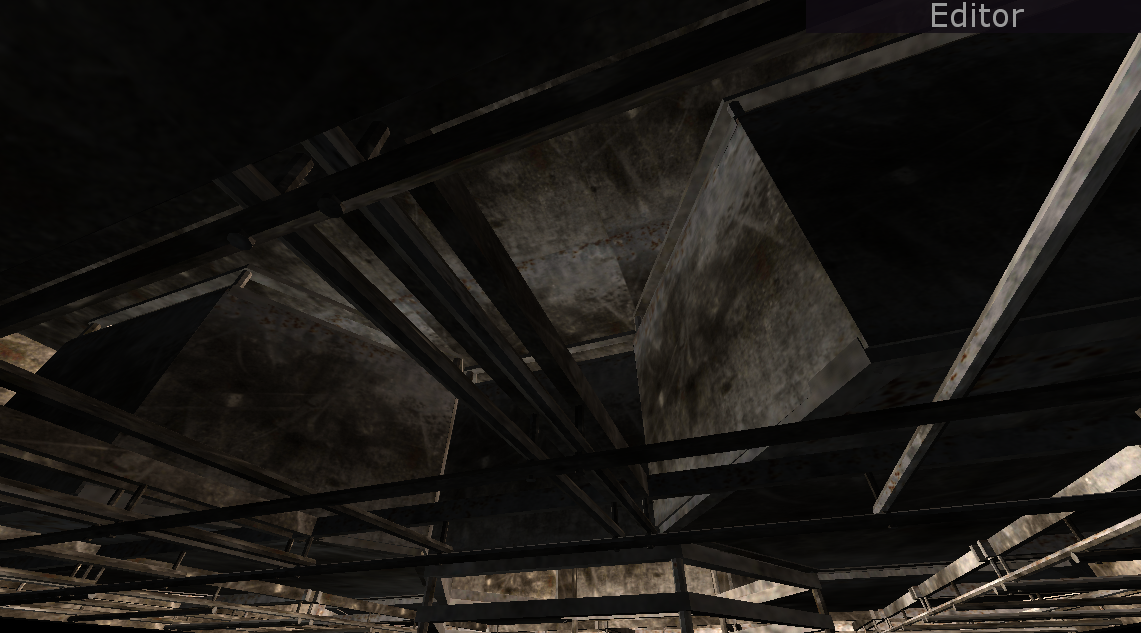
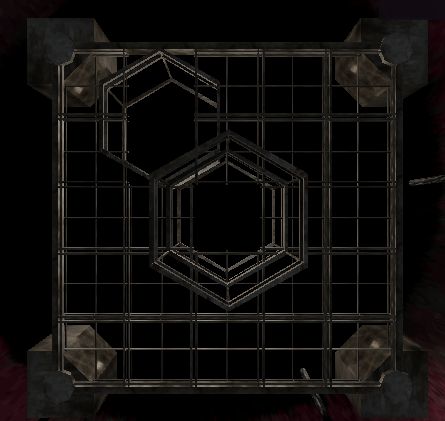
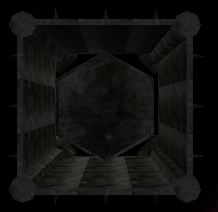
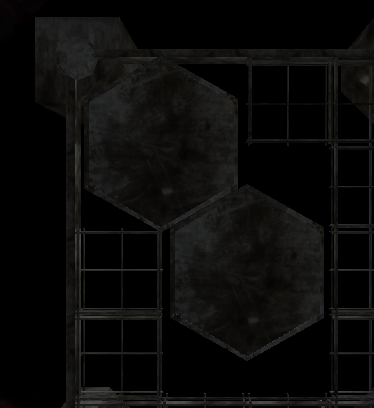
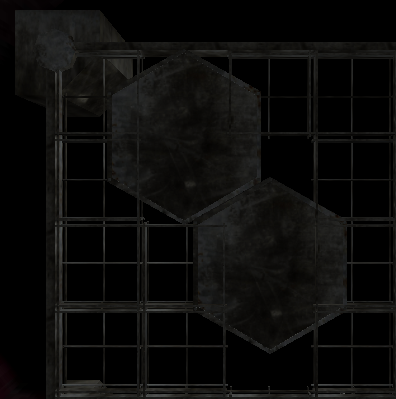
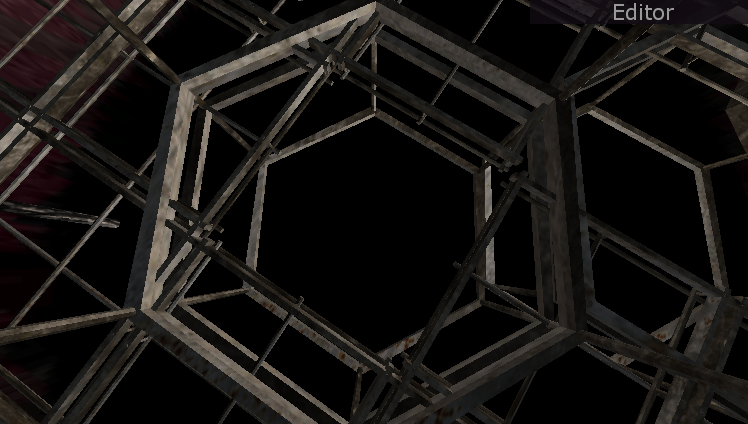
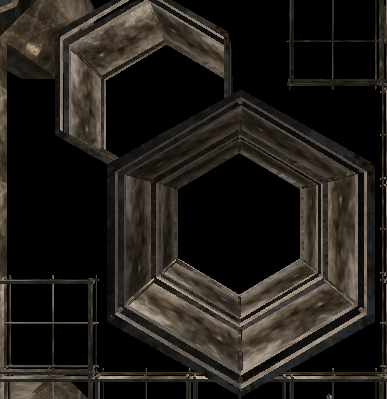
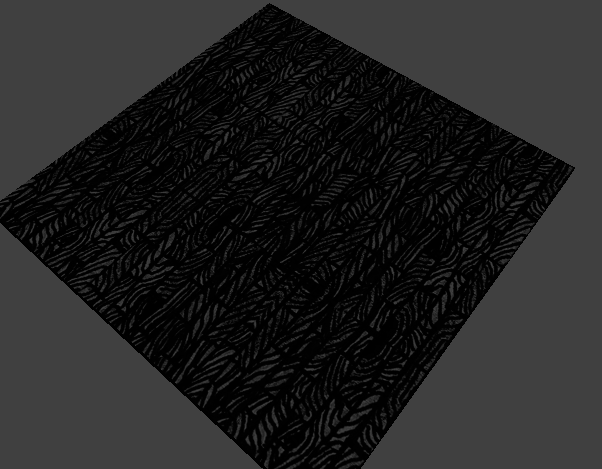
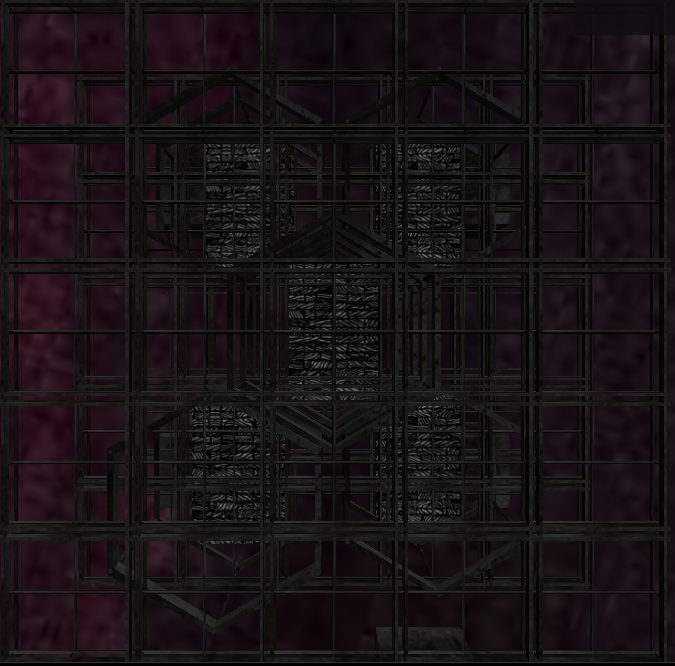
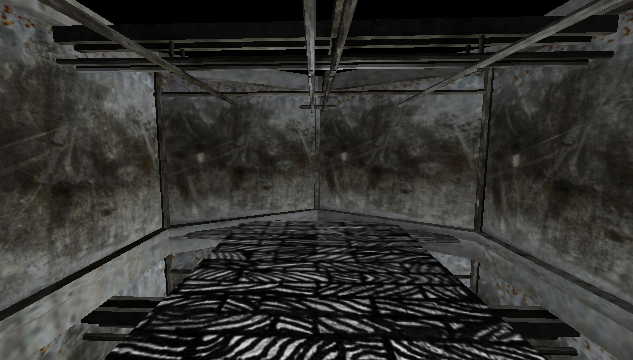
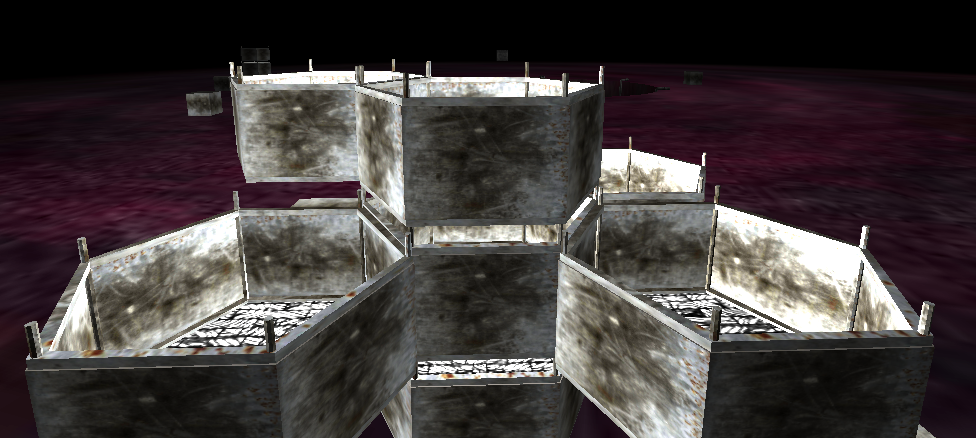
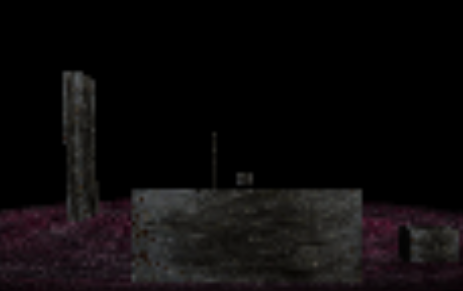
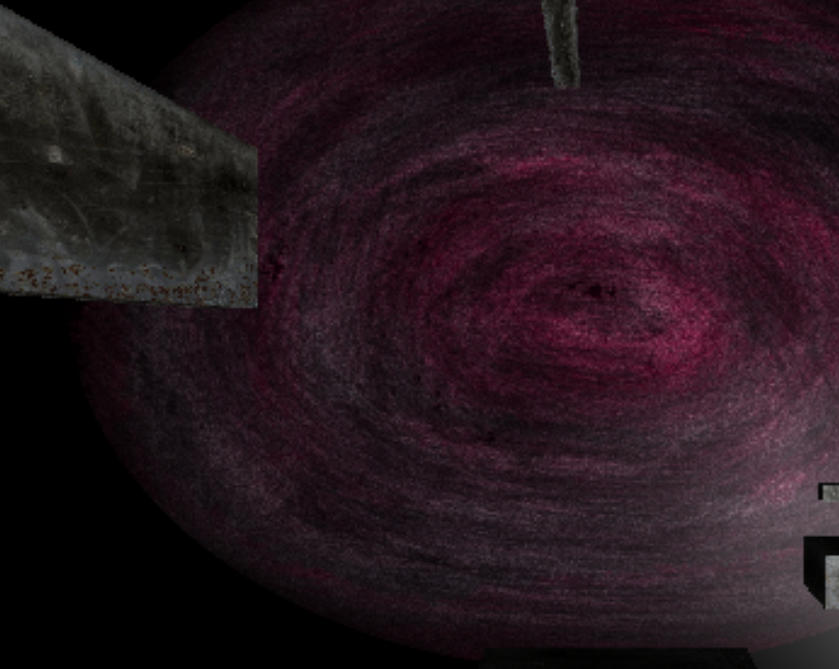
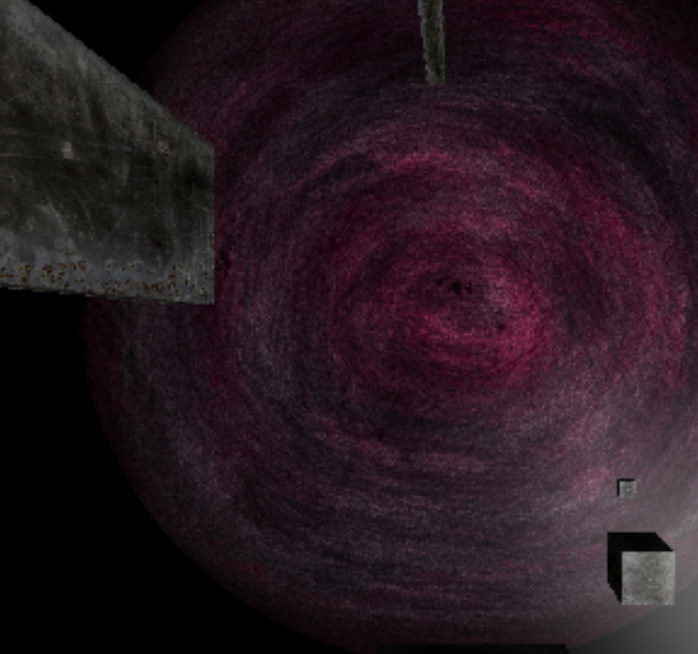
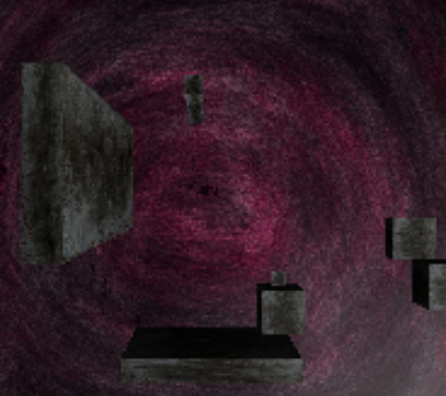
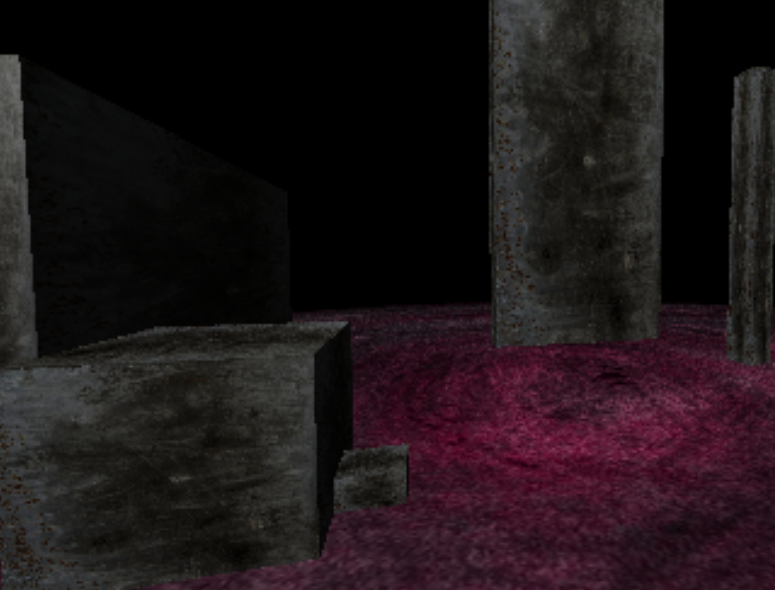
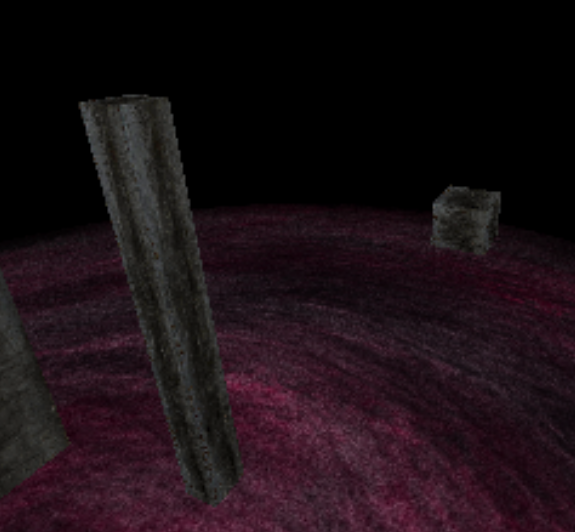
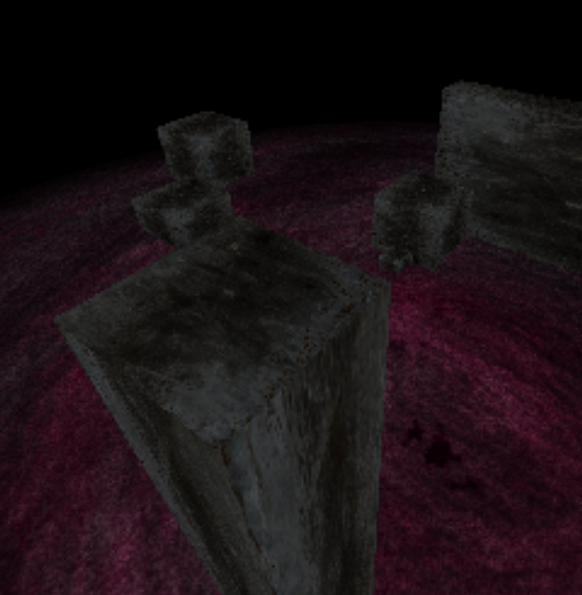
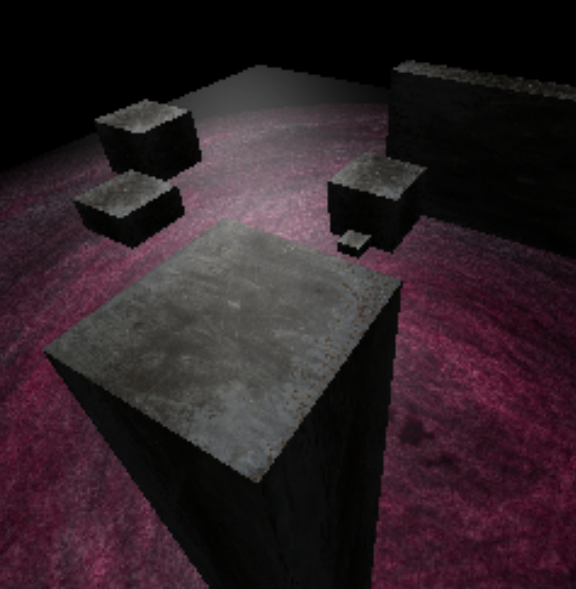
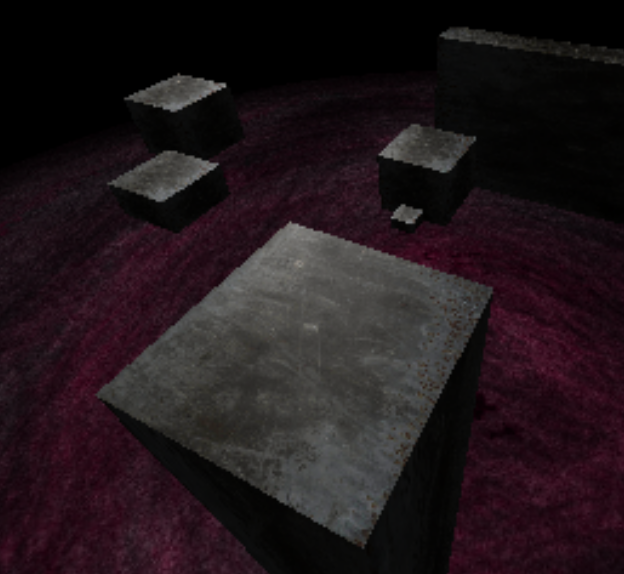
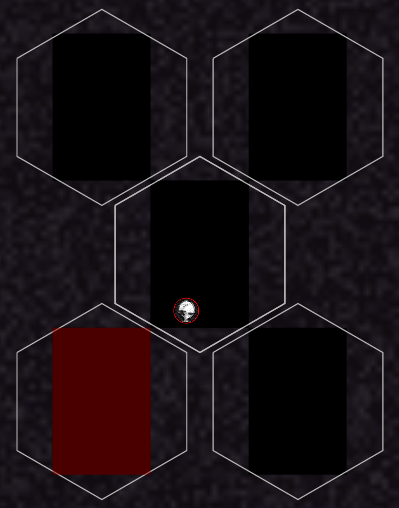
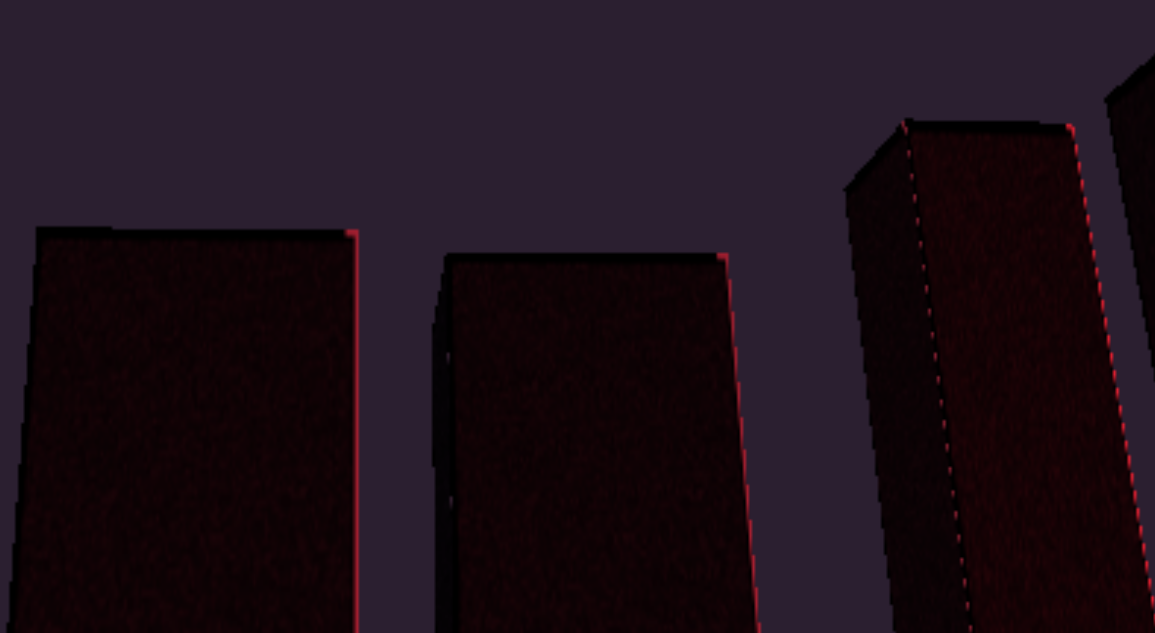
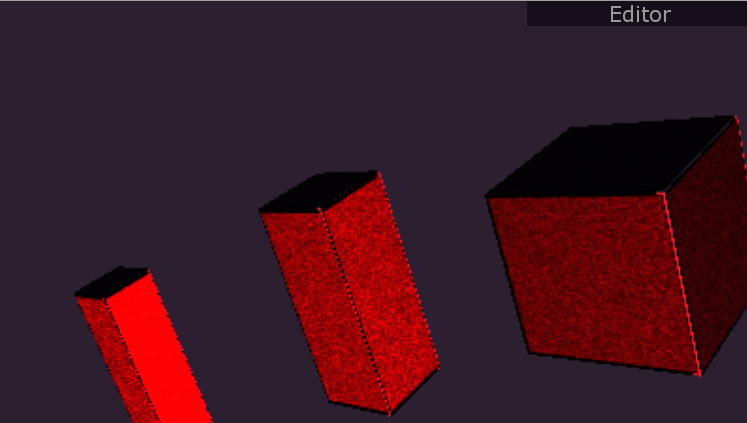
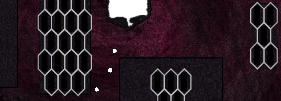
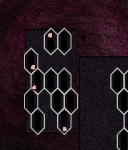
I got tired of using only my steel-texture and created some new ones.
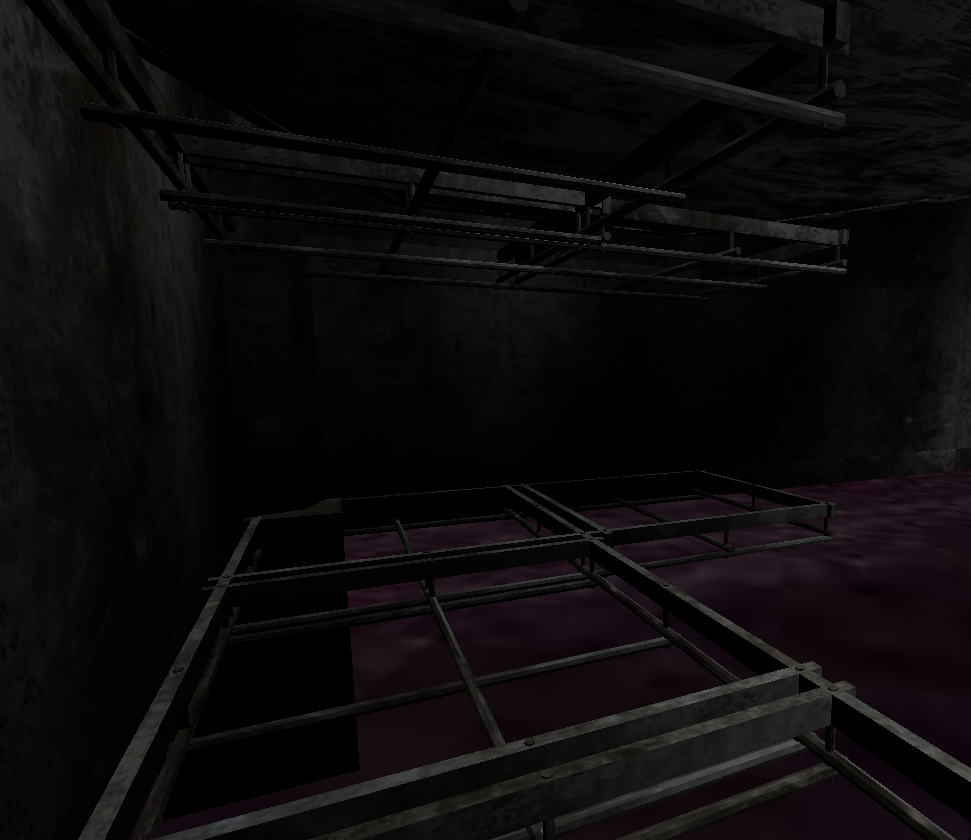
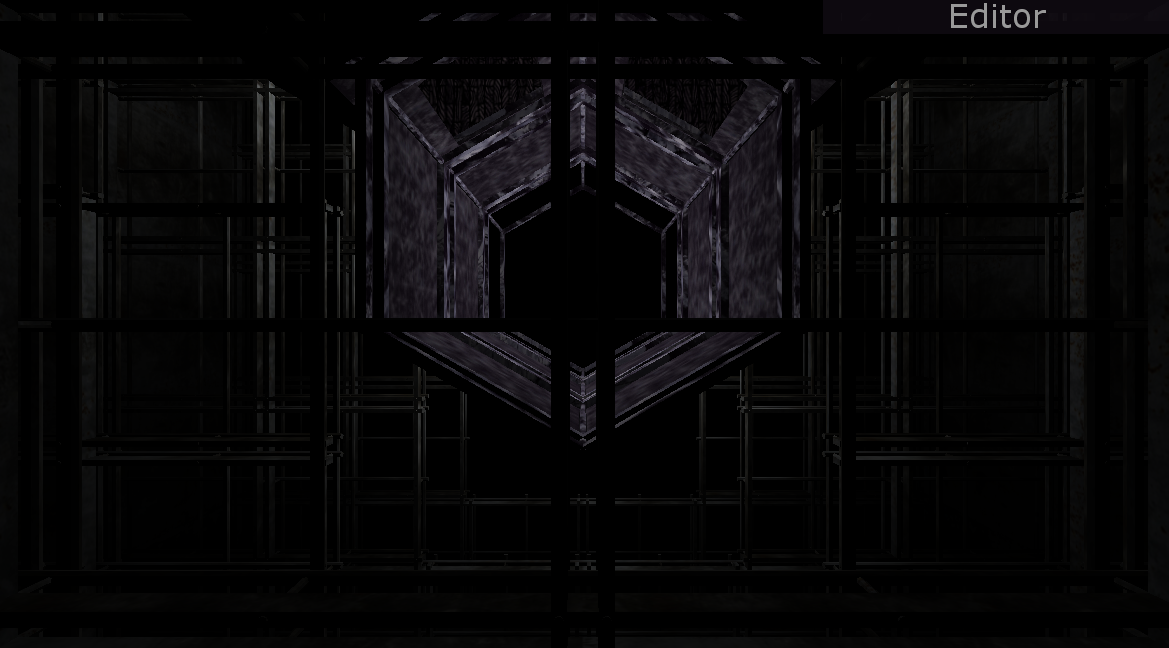
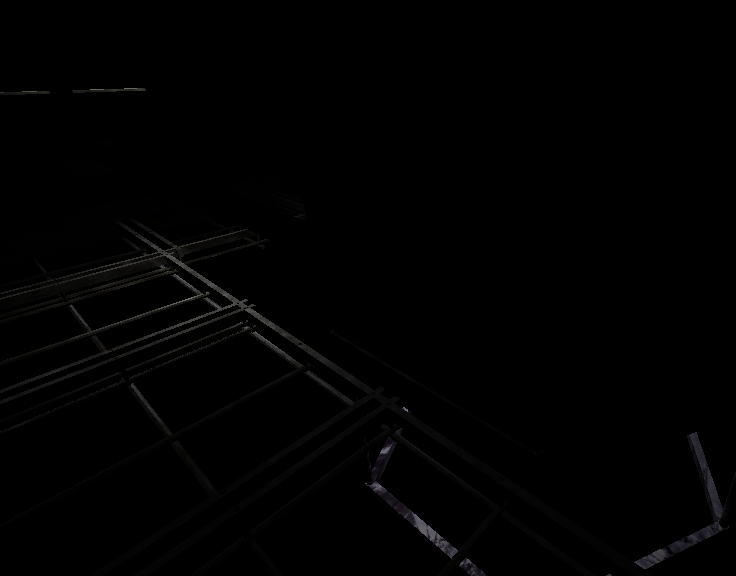
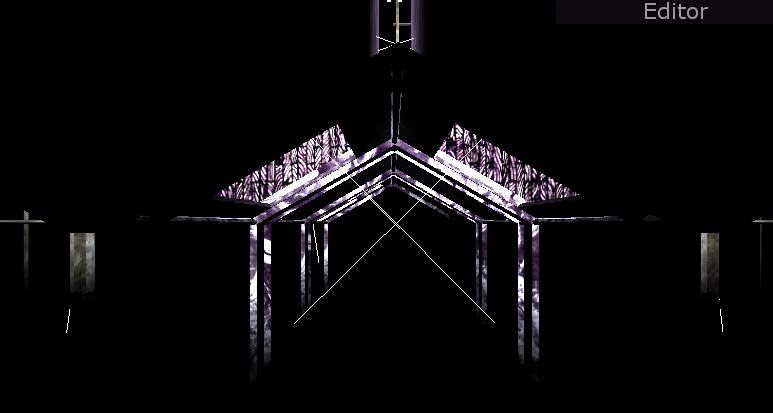
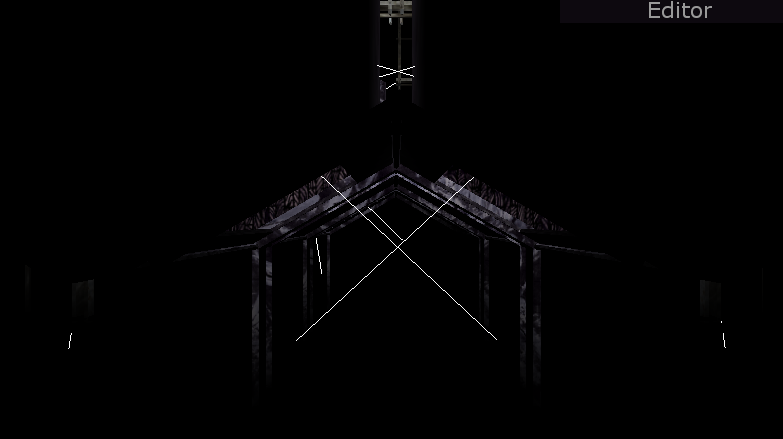
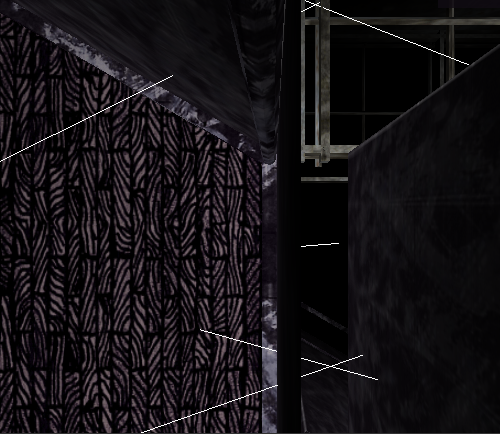
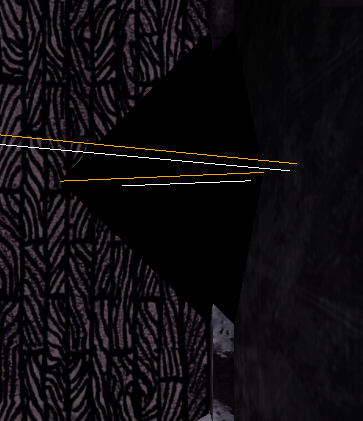
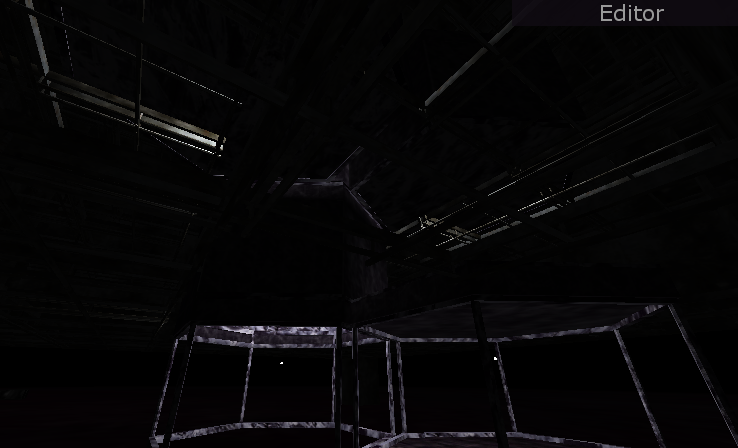
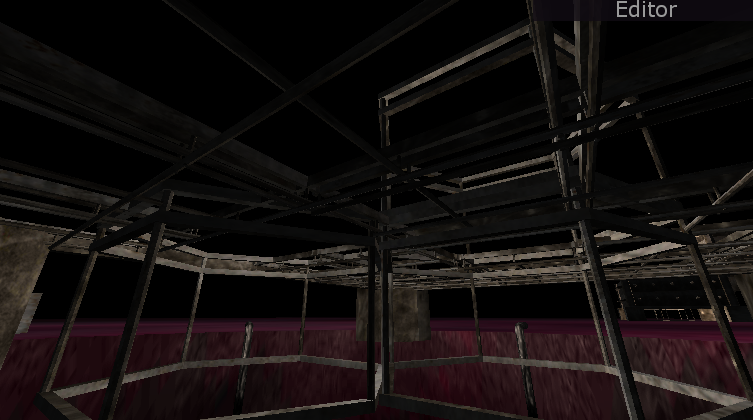
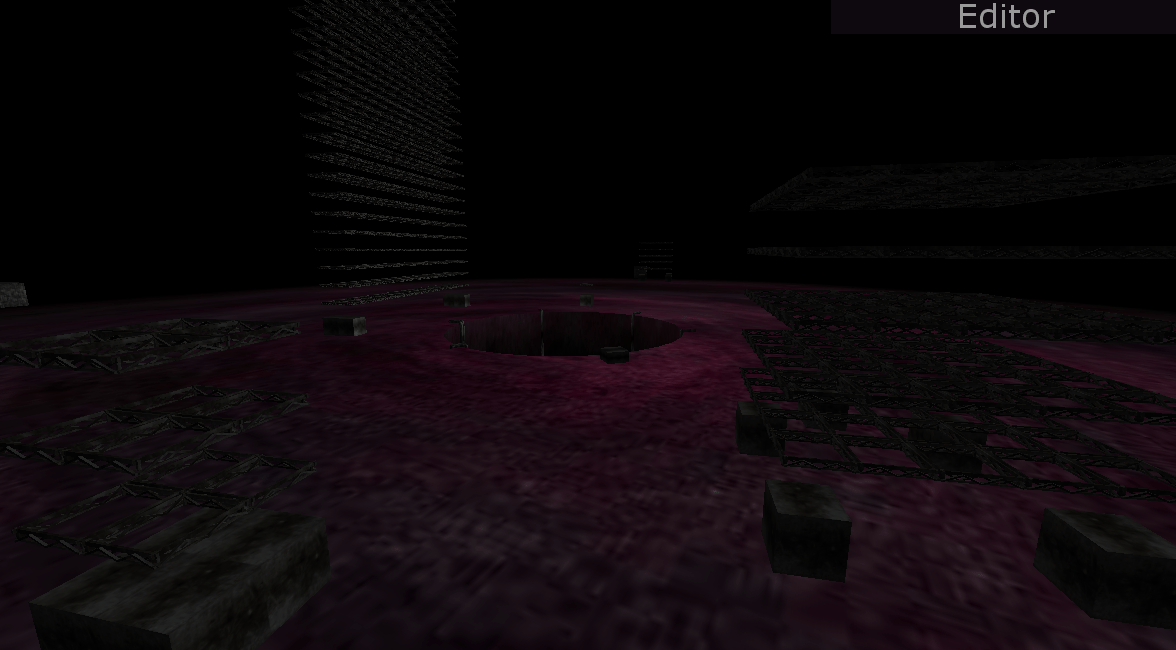
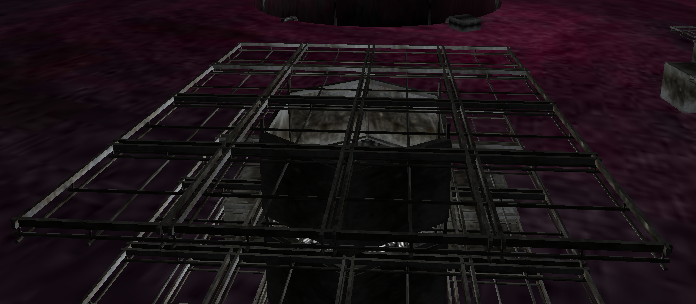
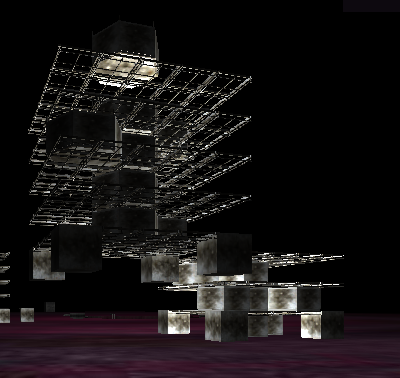
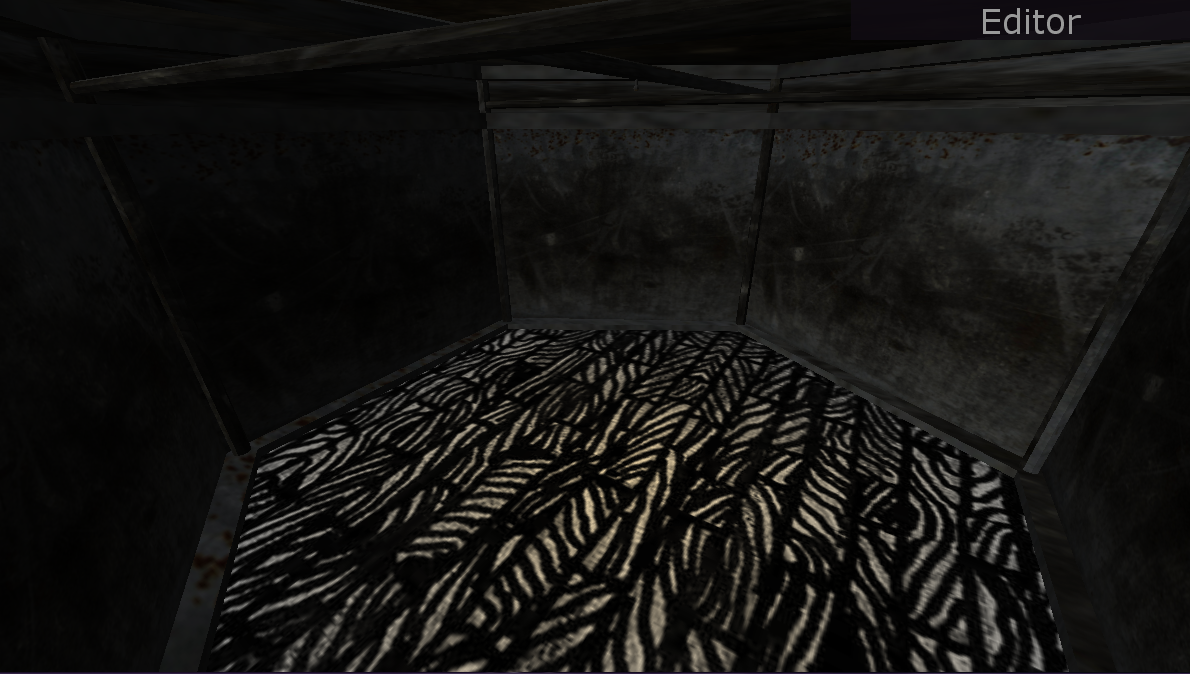
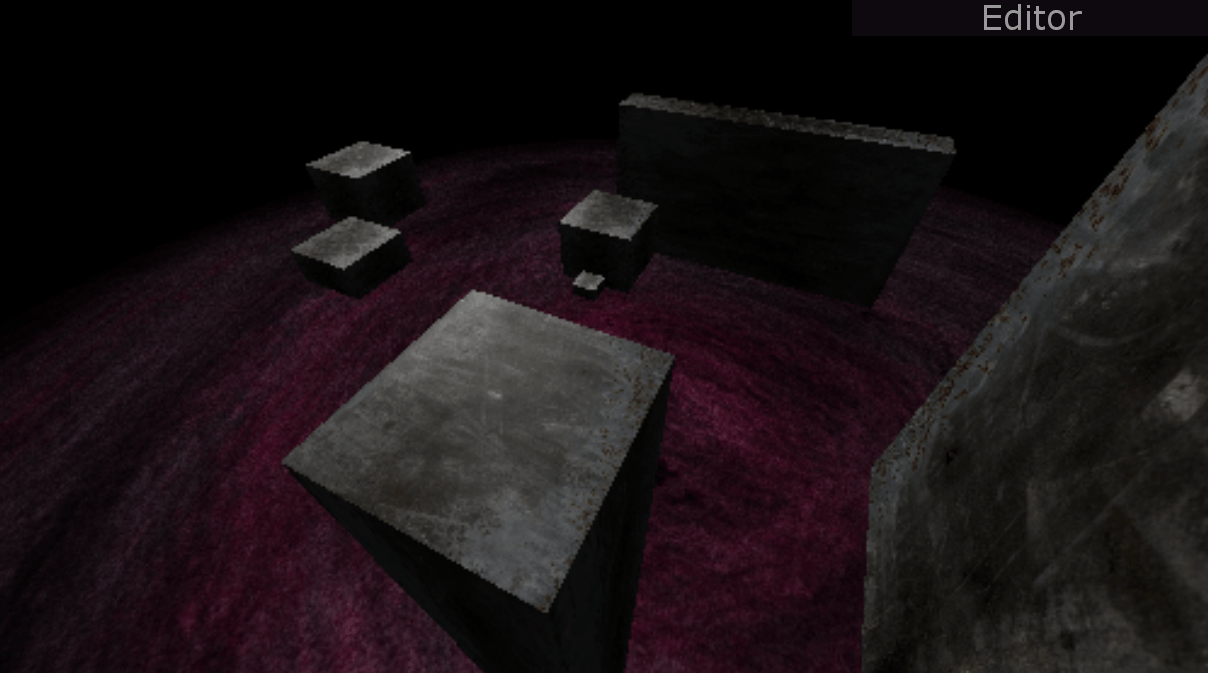
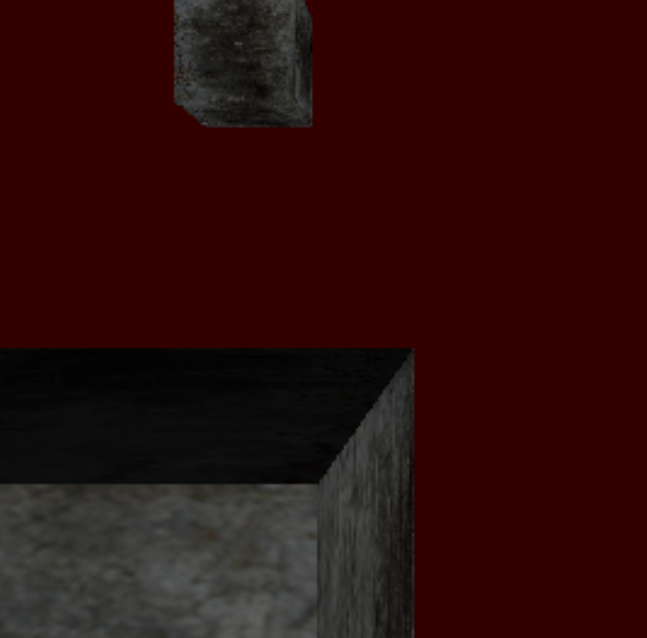
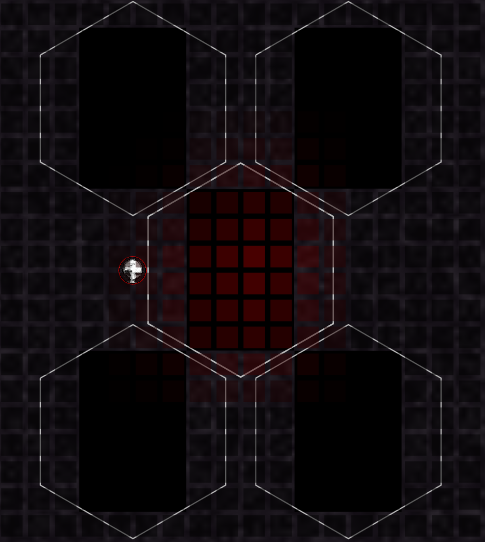
I also tried to improve the lightning so that every light in the scene wouldn´t affect every object as if nothing was in between.
After tests with shadows & spotlights, I finally gave up and gave indoor lights a smaller distance as a temporary solution.


New textures


Problems with lightning


Shorter distance on lights


Testing spotlights


Testing shadows


Lights going through


Shadows going through


Week lights in ceiling


Week lights in ceiling + spotlight on floor

Game Project – Importing Meshes

20150914: JSON import

I did some modeling with Blender and exported with three.js JSON-exporter.
Then I loaded the mesh with THREE.JSONLoader.
After some testing & tweaking, I finally got it working with textures.

20150915: Collada import

The JSON-loader could only load 1 mesh at the time and I needed to build larger models containing several meshes and materials. I found the THREE.ColladaLoader after some searching and tested to set it up. One important thing I noticed along the way was to set the option “loader.options.convertUpAxis=true”, so that the imported scene has the same XYZ-orientation as the existing 3D-enviroment. Everything seems to be working at the moment.

20150916-20150918: 3D modeling

Mostly 3D modeling and some experiments about creating a building with different parts through loops. For instance when building a floor. By iterating through a buildings width while iterating through its depth, I could put pieces of floor at every point in the loop like this:

floor[x][z]
0,0     1,0     2,0
0,1     1,1     2,1
0,2     1,2     2,2
0,3     1,3     2,3


Modeling a floor


UV-mapping on the surface


UV-mapping on the surface


First try with collada-importer (?)


Collada-importer OK (surface and white-cube is from the same .dae file)


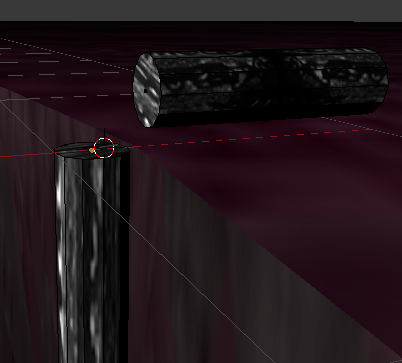
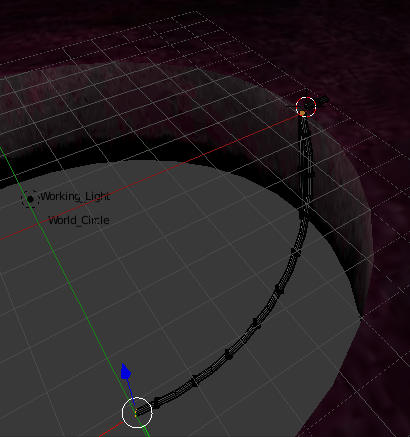
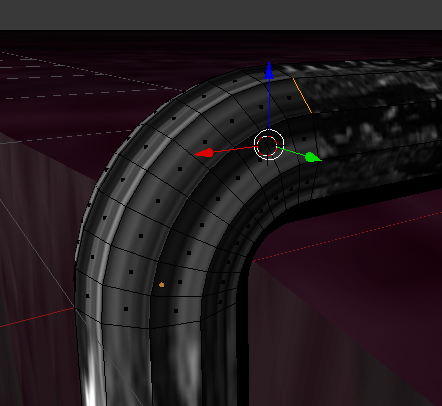
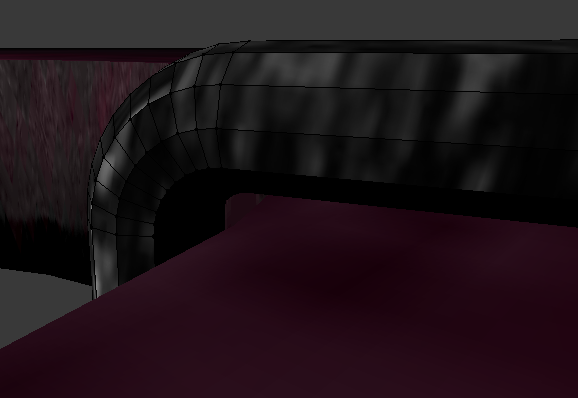
Modeling pipes


Slide went wrong


Modeling pipes


Modeling pipes


Clones


Building foundations


Generating ceilings


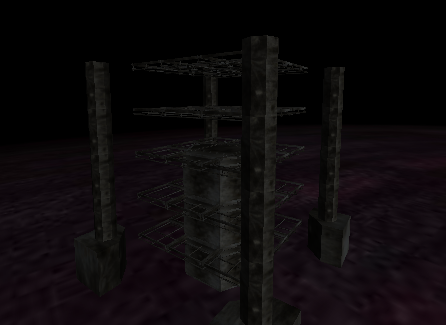
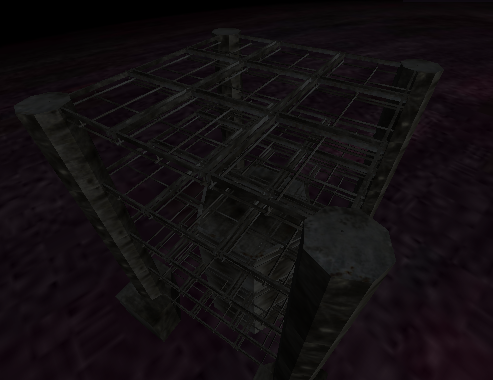
Modeling girders

20150919-20150920: Cells and girders

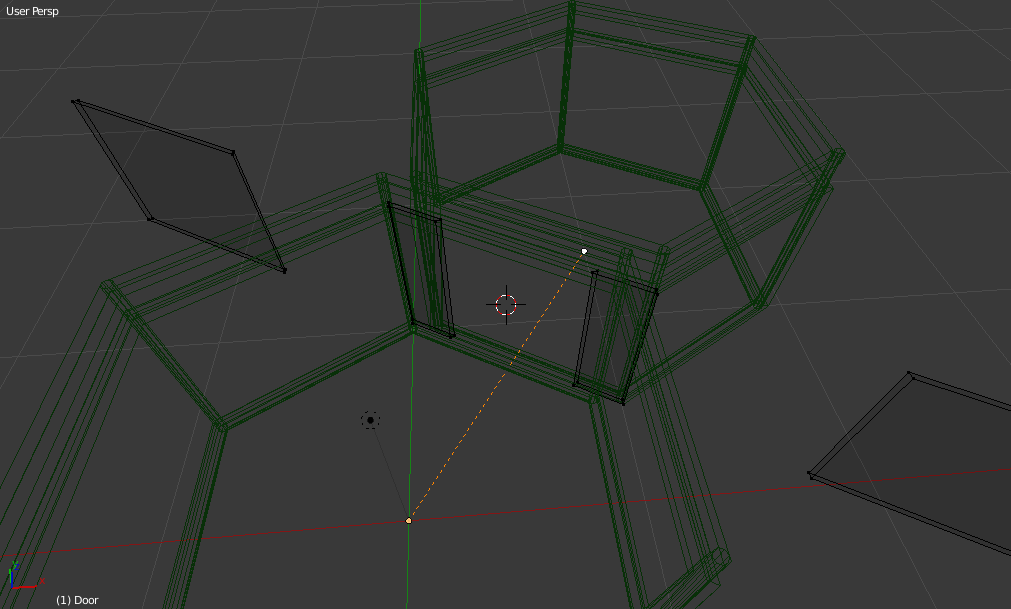
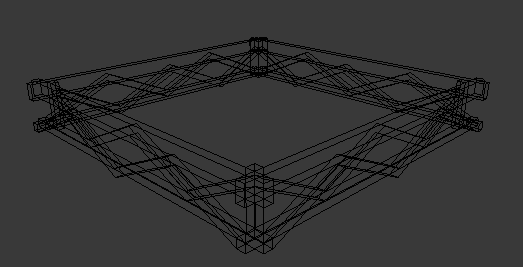
I did some more tests with the creation of buildings and added girders as ceiling on each floor while adjusting the new cell-mesh so that the cell-frame would fit. Then I created pillars for the corners of buildings and added some faint lightning in cells.

Game Project – Three.js

20150913: Three.js

So, I got tired of spending too much time on my own WebGL-engine and decided to give three.js a try since it appears to be quite a complete library for WebGL and it´s already been a big inspiration.
Now when I need more materials, importing meshes from Blender, UV-mapping for textures, lookat-functions for the camera and so on – instead of writing all these new things, I started to link everything up with Three.js to focus more on designing 3D-objects.


Bye, old 3D-Engine


Always wierd results at first…


Rotation is wrong


Rotation OK, objects in air


Textures OK, bad lightning


Bad resolution


Better


Lookat…


Lookat from above, wierd aspect


Better


Matching 2D-3D


Scale OK


Lookat OK


Lookat OK


Lookat OK


Materials: Lambert


Materials: Phong


Materials Lambert+Phong

Game Project – Navigation

20150831-20150904: Potential Fields / Path finding

I tried to let the creatures build a PF-map where each wall generated negative levels on it and the target destination generated positive. But the terrain is too tricky inside a building (they are easily drawn into the center of the cell), so this would be better to use when navigating outside.
Path-finding was a lot better in this case. If they get stuck, they will try to find a cell-neighbor and go there before trying to reach their destination again.
Navigating inside a building is now working and optimized.


Inversed field, moving away from elevator
The creature would go to the center when walls are tight


Easy target


Go to closest neighbor if a wall is in the way

Game Project – AI & 3D

20150825: 3DEngine

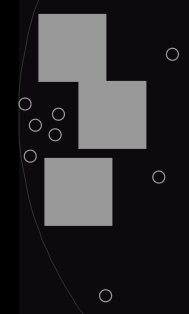
Started to setup a link to my WebGL-script and placed meshes along with every object.


20150826: Perspective Camera

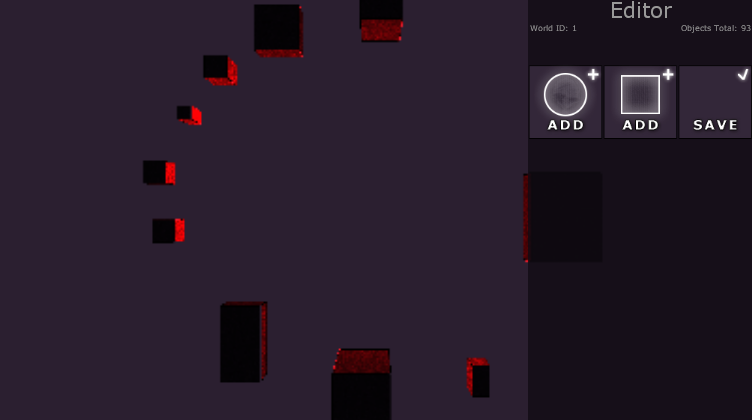
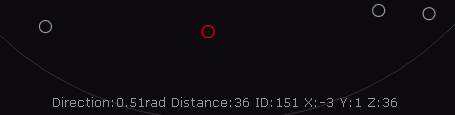
Tried to match the 2D-view with a new 3D-view and ended up with using a perspective camera that was rotated 90 degrees along the Y-axis. When zooming, the camera will move closer to the ground and the X & Z position is working as usual panning.


20150827: Cookies

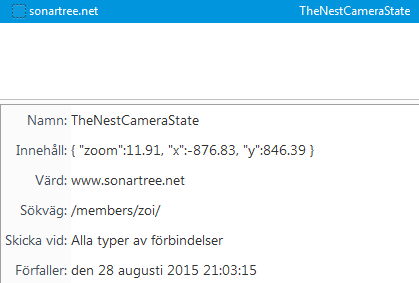
Added support for storing the cameras state in a cookie so that I don´t need to move the camera every time I´m reloading the page while updating the code.

20150828: Brains & Right click

I started to build brains for the creatures. A right-click will set a destination for a creature to move towards.


20150829: Improving brains

brain.orientation – Now the creatures have the ability to use “orientation” to understand if they´re inside a building, cell or outside.
brain.move – Moving around.
brain.find_path – They can also try to find a path towards a destination.
brain.find_elevator – Ability to locate nearest elevator.
brain.find_building – Ability to locate a building.
brain.collisions – Is a position blocked or not

20150830: Navigating inside buildings

Working on improvements within the path finding function.
At the moment, the distance to a destination is calculated with Pythagorean Theorem and creatures will try to walk along the shortest path. If anything goes wrong (something is in the way) they will test if walking sideways will work. (I.e. only moving along x or z)
However, if the destination is on the same x or z position, they´ve already reached one of the goals and don´t know what to do anymore.
So I´m doing some testing and reading about potential fields and some other stuff to see what works best to stop creatures from getting stuck in walls.

Game Project – Editor

20150817: Editor

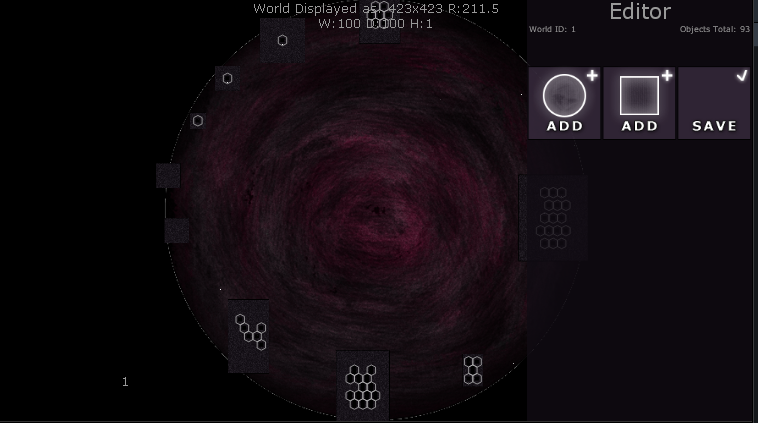
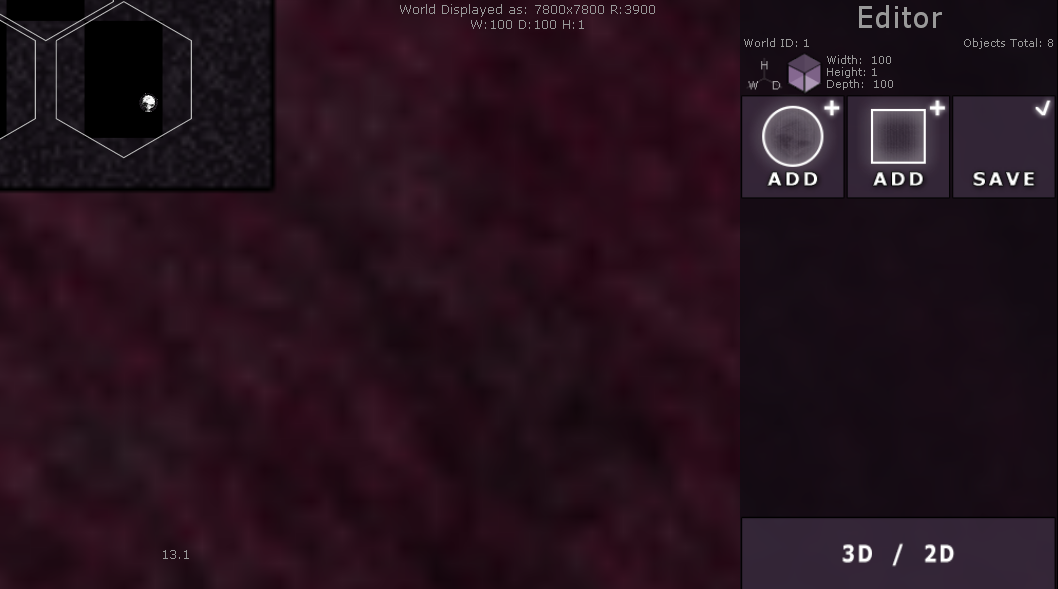
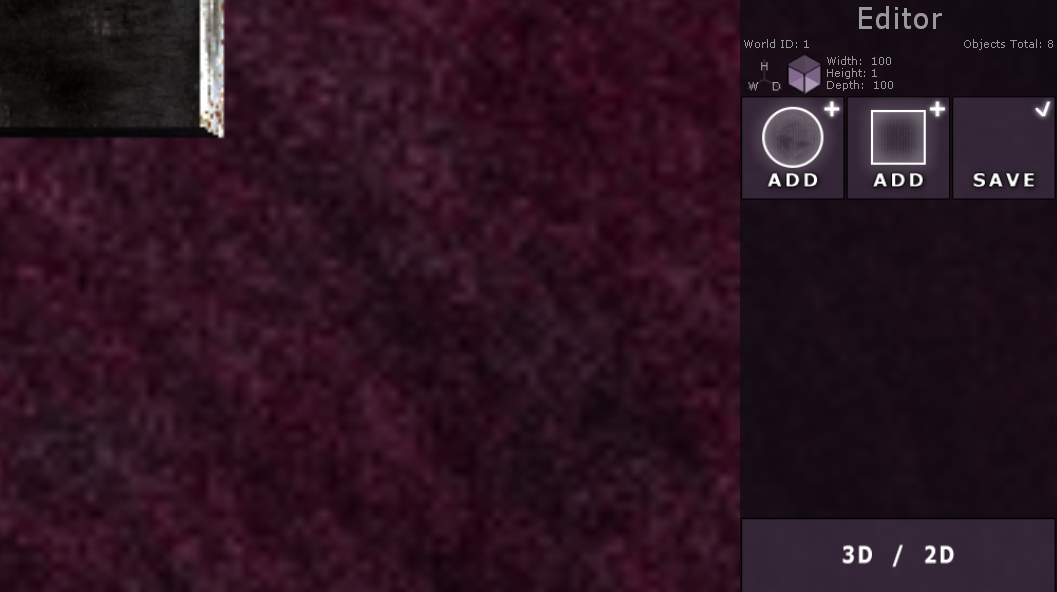
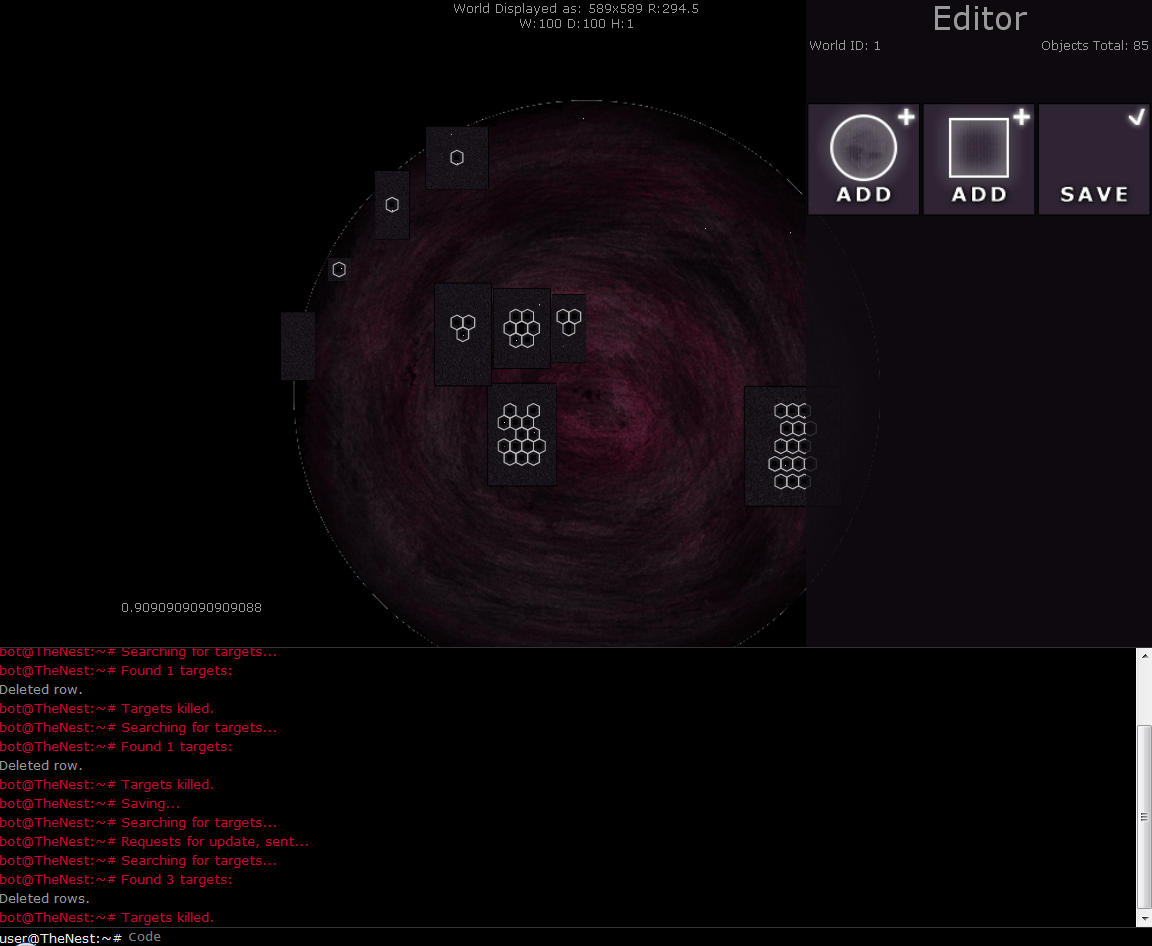
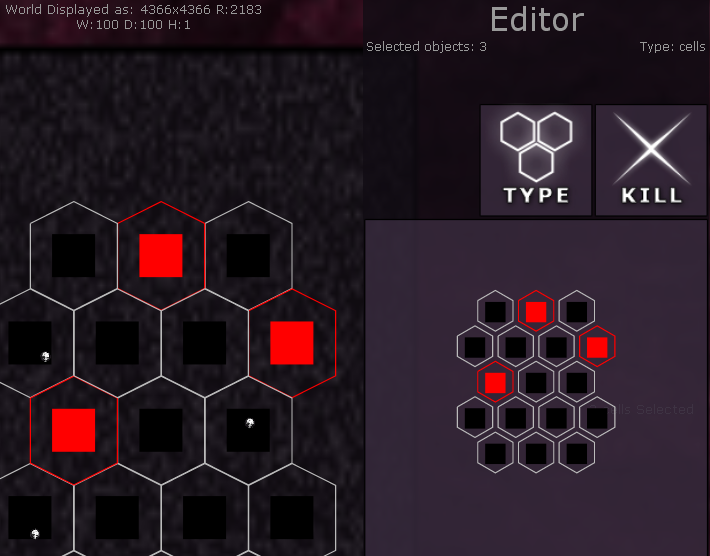
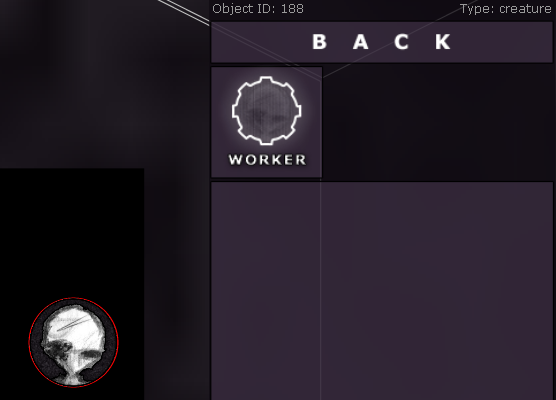
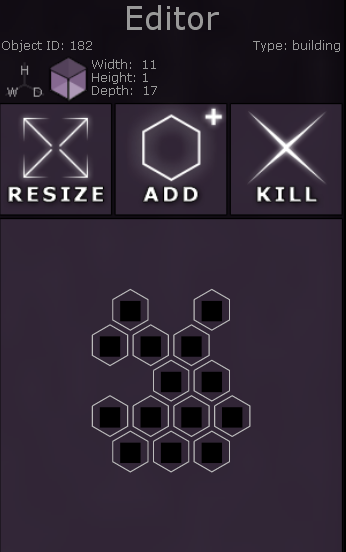
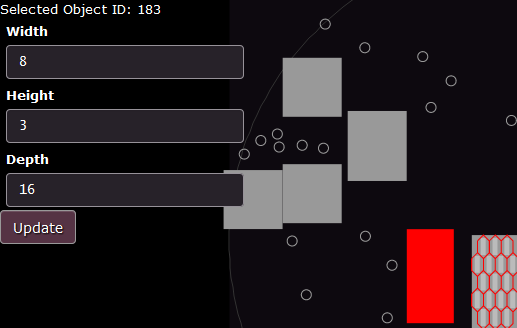
I´ve decided to remove the toolbar and focus more on a complete editor. So I replaced all form-elements with a canvas dedicated for handling the editor. In this way I can make images for every area that will act as a button and that button will automatically be integrated with my scaling-script.

20150819: Resize & Values

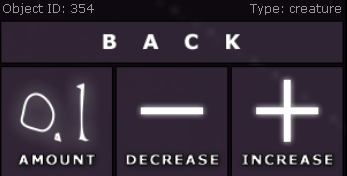
I replaced the fields for width/height/depth with buttons and submenus.


20150820: Toolbar replaced

Now the toolbar-functions are finally available at the editor and the toolbar is removed.


20150821: Updating

Instead of reloading all objects after a change, all changes will affect the loaded object-array and then the database will be updated without any reload. New objects will have their ID collected in the creation-process and then appear selected so updating and relocating is no longer necessary. When a cell is created in or removed from a building, the building will remain selected.

20150822: Organizing code

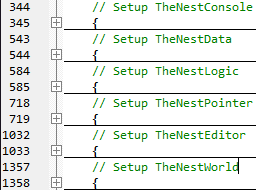
I´ve spent some time rearranging the code.

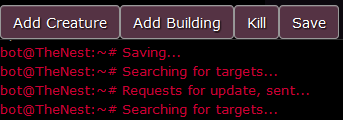
TheNestConsole – contain all elements, event-listeners and functions for input & feedback.
TheNestData – contain JSON-parser for objects and requests involving SQL-data.
TheNestLogic – contain functions for objects. (resize, add, kill)
TheNestPointer – contain event-listeners for mouse/touch and functions for selecting, zooming, pressing at what location and so on…
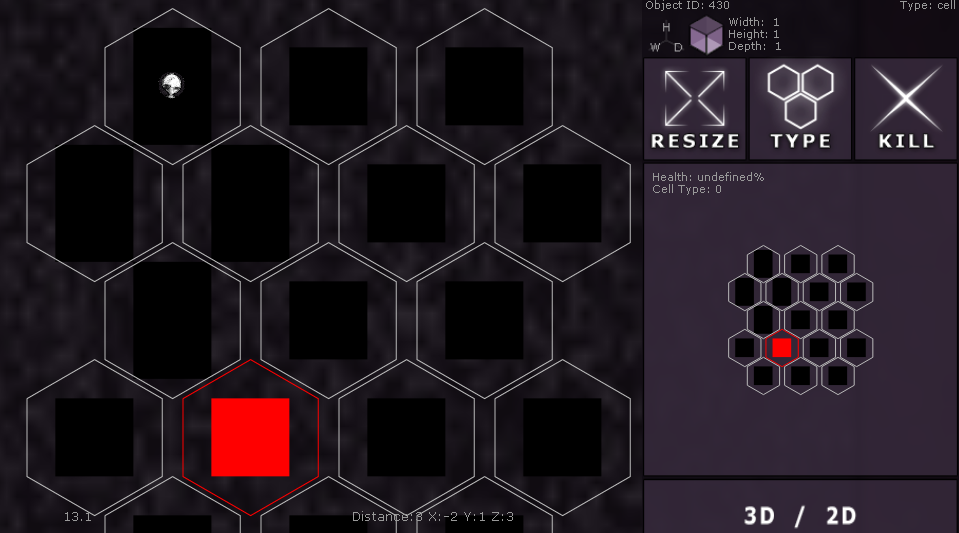
TheNestEditor – contain everything that involves the new editor. The dedicated canvas and functions for displaying info, menu-navigation, selecting cells in buildings and editing values on objects.

Game Project – Touchscreens & Zooming

20150810: Zoom

Added support for zooming and panning of the view.

20150811: Redrawing

Redrawing the world instead of rebuilding when panning the view.

20150812: Collisions improvement

More detailed collision detection for creatures.

20150814: Touchscreens

Added support for touchscreens, rebuilding interface for pointers.

20150815: Clipping

Performance improvement by filtering what to draw. If a object is outside the clipping-box, the script will not try to draw that object at all.
I also did some more work on the touch-interface. (Select/deselect, pinch-zoom, long-press, drag-and-drop, panning)

Game Project – The first three weeks

I decided to develop a place where visitors will be able to add creatures into “The Nest”.

It will probably not be a game where the player can do much besides adding a creature with different properties. No action or interesting quests. More like having a Tamagotchi, if you remember those “digital pets”, and just see how long it will survive depending on what´s going on in the world.

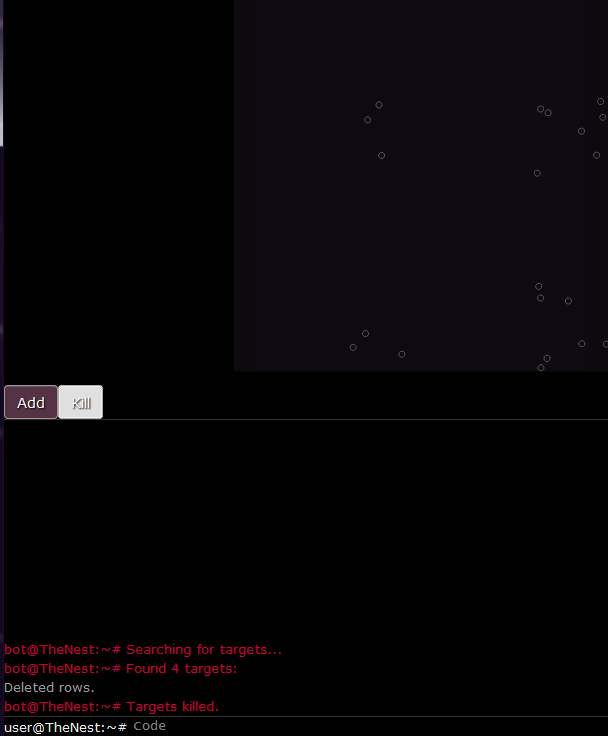
I am going to post updates here about the progress in this project, starting with the first three weeks.

20150723: SQL & Commands

Created input for commands. These commands are sent through AJAX-requests to a PHP-page and based on what the user writes, different SQL-query-commands will be sent to the SQL-database. Feedback will be echoed/printed on the PHP-page as a response to the AJAX-request and that data is then shown in consol.log (browser-log)

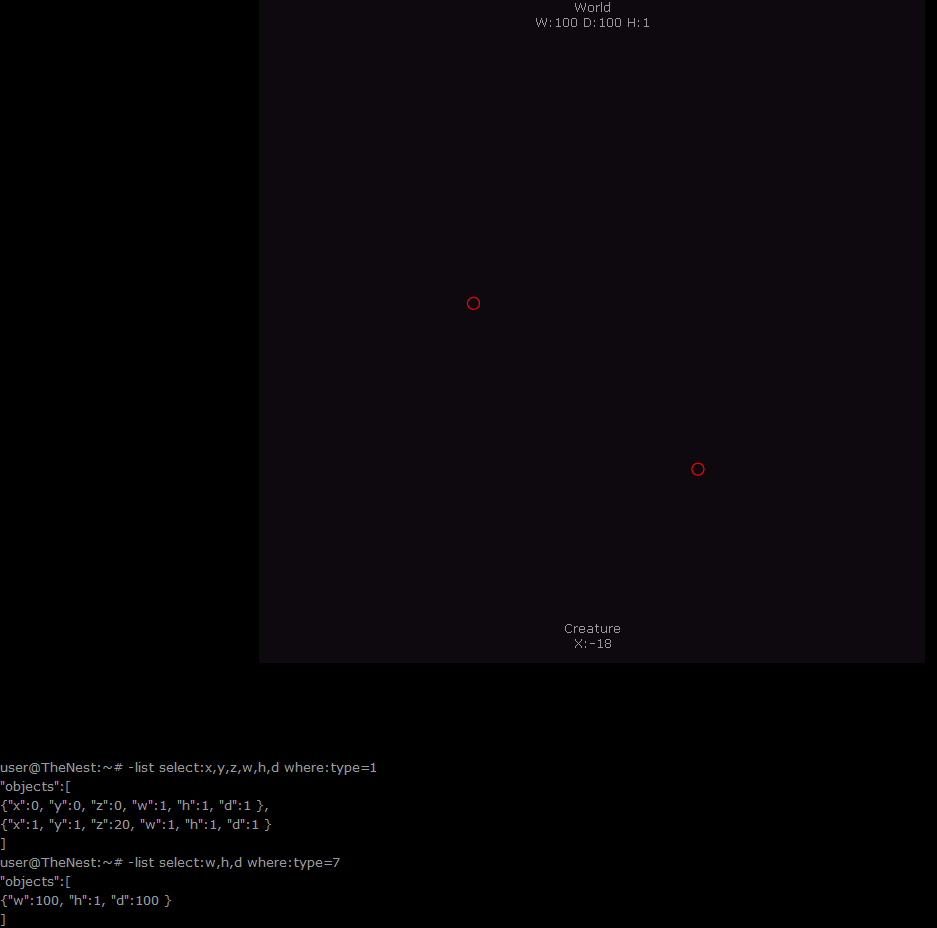
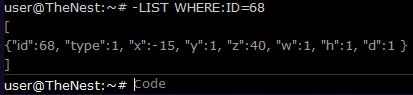
So, if I type: -list
My JavaScript will request “page.php?command=list” with a AJAX-call and put the response in a variable once the page has loaded. While the requested PHP-page is loading, it will try “Select * from table” and echo the result.
My JavaScript-variable will then have the result “{id:5,type:1}” from the PHP-page and print it in the browser log.
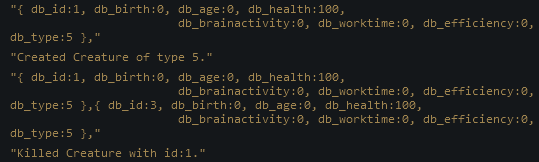
20150726: World & Creatures

After playing around with the commands, I added a column named “type”.
Every row with value 1 in “type”, will act as a creature.
The world will have value 7.
Depending on this value, every row/object will act differently in the program and be displayed differently too.
I also moved the feedback from consol.log (browser-log) to an element on the page.

20150727: Selecting & Toolbar

Added support for selecting using pointer.
Multi-selecting by holding Shift or Ctrl.
Added a toolbar.

The list-response is changed into JSON-format for easier handling. (removed string-functions for searching specific characters like { : , } and let a built-in JSON-parser do the work)

20150728: Drag & Drop

Added support for moving objects with pointer when user holds down the pointer button.
(onmousedown-function will set timer, onmouseup-function will move object if timer>0.5s)

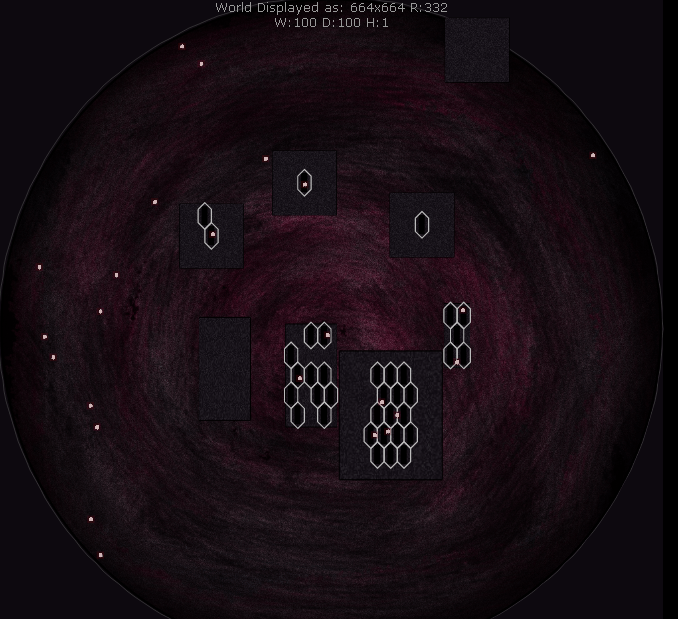
20150801: World circle, Collisions & Buildings

The world is now displayed and functioning as a circle.
Added a function for collision detection
Added a new type of objects: Buildings


20150802: Save

Added support for saving current state in world.

20150804: Cells

Added a new type of objects: Cells.

20150807: Editor

Added a small editor for updating values on a selected object.

20150808: Designing & Moving inside cells

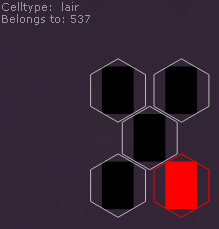
I created a world-image and a building-image.
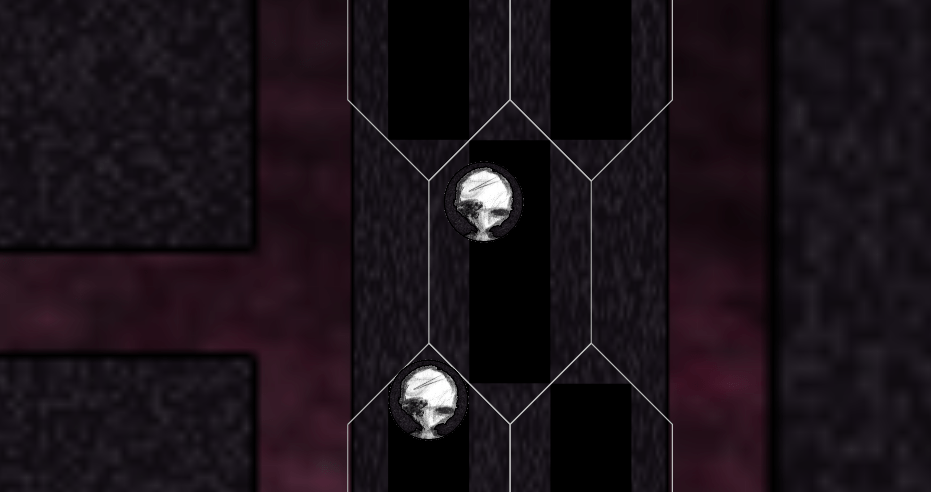
Then I took a head from an old room to display creatures with something else than a circle. (Will change it later)
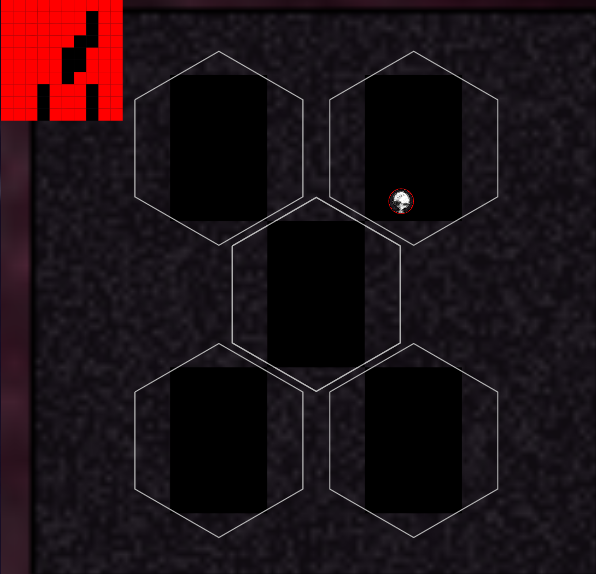
Creatures can move inside cells and travel between cells if they meet each other from above or below.
These cells will function as “homes” or hallways inside buildings.


20150809: Drag & Drop improvement

Selected object will have a transparent copy of itself at the pointers location until the user releases the button. The moving function snaps to a gird and won´t place objects on top of each other (unless It´s a creature that´s put in a cell). If the new position isn´t valid, the color will turn red instead of orange on the transparent copy.
When moving a building, everything inside it will follow. The moving function will also take the offset from the selected objects center, so it won´t be placed right under the pointer position when dropped.
Design a site like this with WordPress.com
Get started