20160125-20160131:
After some testing and reading, I saw that people were changing the rotation angle to 30° (60° in blender) instead of “true isometric” 35.264° so that the surface would have a 2:1 pixel ratio.
I decided to leave the rotation in “true isometric” and instead correcting with an edited aspect ratio (1:1.157) in the rendering settings so I could have the desired 2:1 relation on the surface and at the same time match the width and height into a square without redesigning my models height. This will make the width/depth/height and angle of view look like a “true isometric” projected view too, although it´s a slightly skewed one. So now the camera is ready to render images to fit my 2D-mode.
If the skewed images won´t do, I will probably crop them after giving them one extra tile above. I don´t want to use lower heights in the 3D-models because I want to be able to use them in 3D too.
Found this guide while researching: http://www.gamefromscratch.com/post/2015/11/20/Creating-Isometric-Tiles-in-Blender.aspx
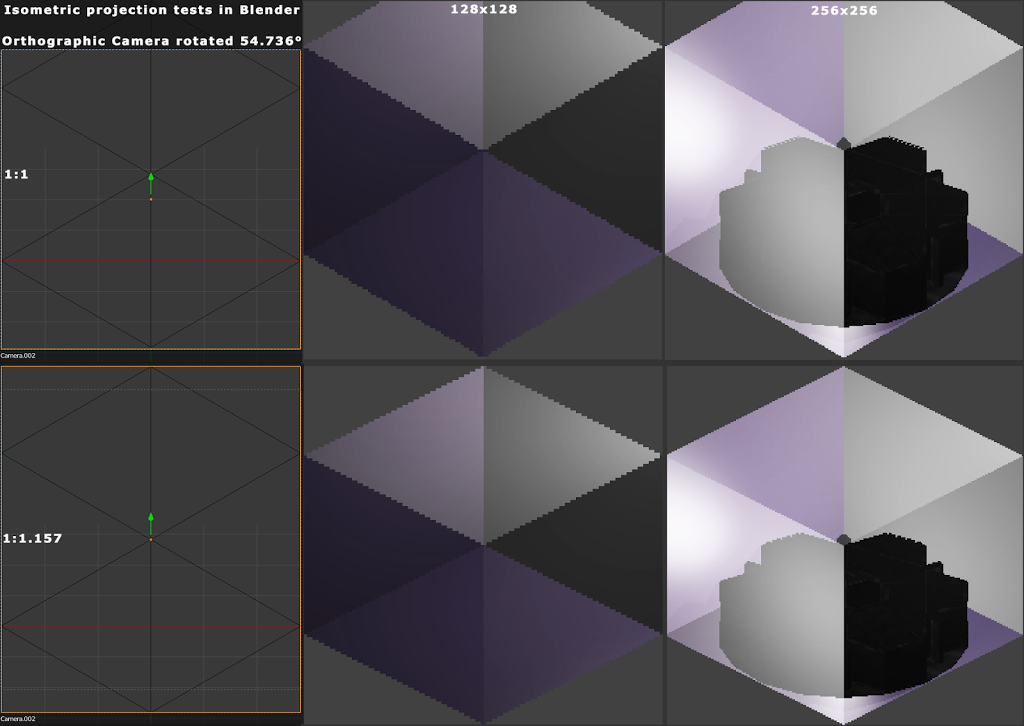
54.736°
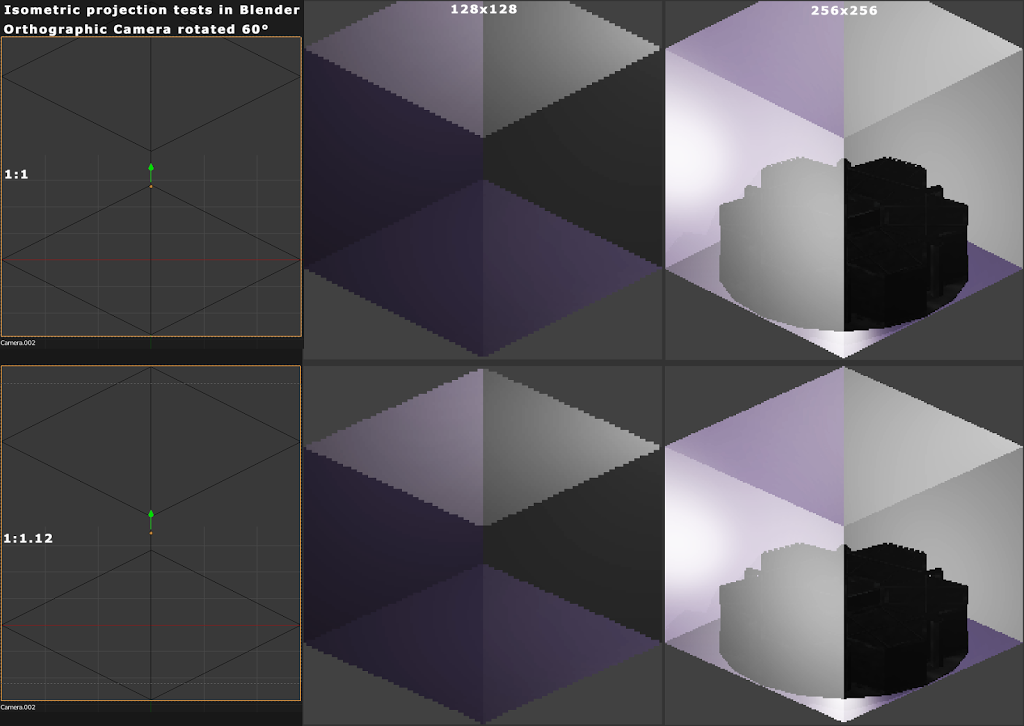
60°
 Toxic Tree